
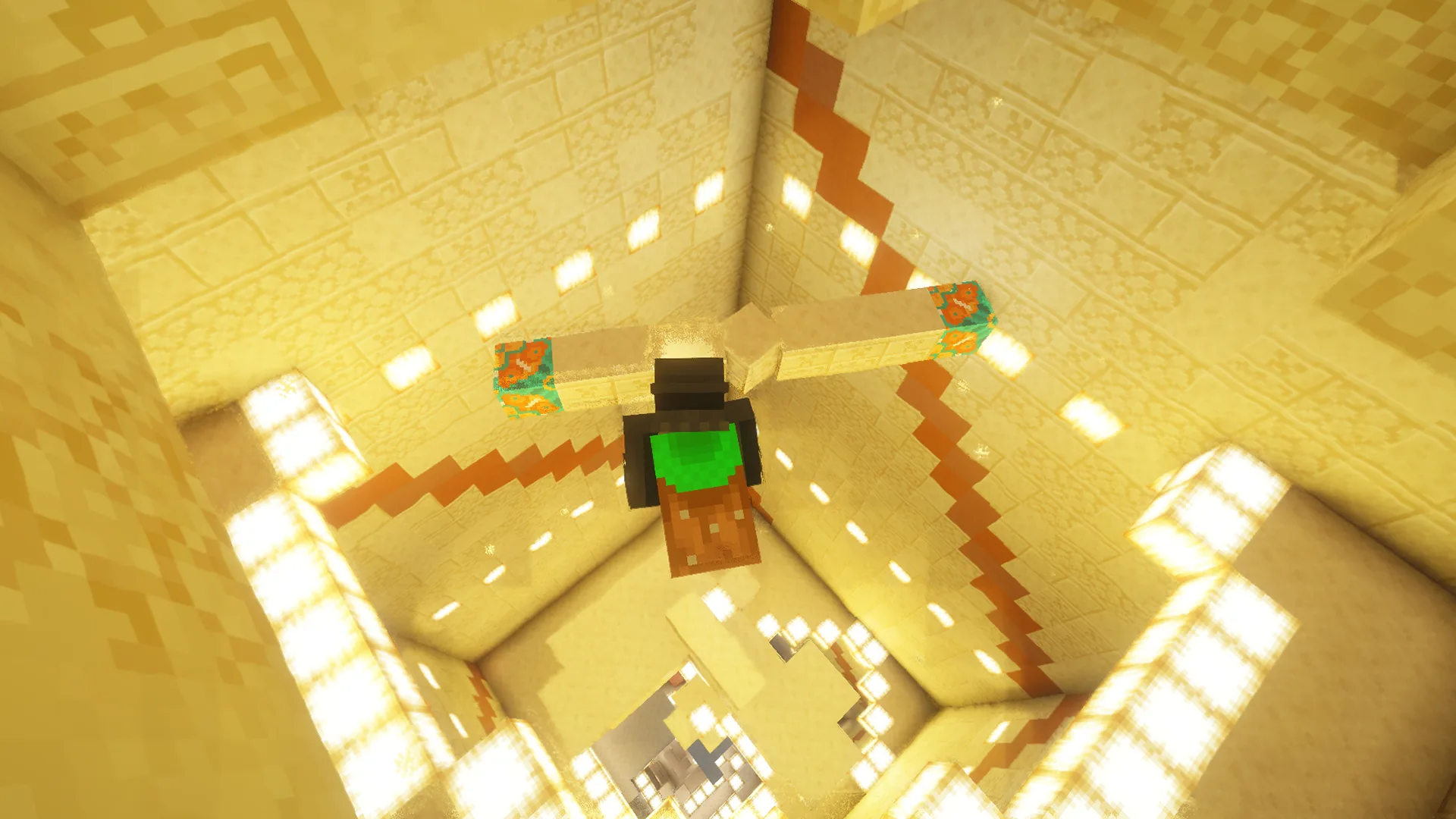
Minecraft Dropper
A Minecraft plugin inspired by the classic Dropper game mode!
Players must complete a series of challenging dropper levels by falling from great heights, dodging obstacles, and safely landing in the designated area.
Your viewers can either help you complete the levels or make the challenge even harder! They can interfere with your progress, create additional challenges, or help you safely reach your destination.
Test your reflexes, overcome increasingly challenging obstacles, and complete all dropper levels to claim victory!
Stay focused, dodge the obstacles, and survive the fall!
Commands

/dropper create 15
/dropper delete
/dropper tp
/dropper level 4
/dropper goal <levels>
/dropper reset
/dropper reroll
/dropper edit

dropper push 1 {nickname}

/dropper fast 10 {nickname}

/dropper slow 10 {nickname}

/dropper restart {nickname}

/dropper next 5 {nickname}

/dropper prev 5 {nickname}

/dropper hint 10 {nickname}
General tips for setting up the Minecraft server
- /gamerule keepInventory true — your character will not drop items and blocks after death.
- /gamerule sendCommandFeedback false — won't show in the game chat what commands the server is executing.
- /time set day — set the day on the server.
- /gamerule doDaylightCycle false — won't change from day to night and back.
- /gamerule doWeatherCycle false — rain won't change to sun and back.
- /weather clear — set clear weather on the server.
- /gamemode creative — change your game mode to creative.
- /gamemode survival — change your game mode to survival.
These commands only work if you are an administrator on the server (OP). To make yourself an administrator, enter the command into the server terminal: op NickName.