
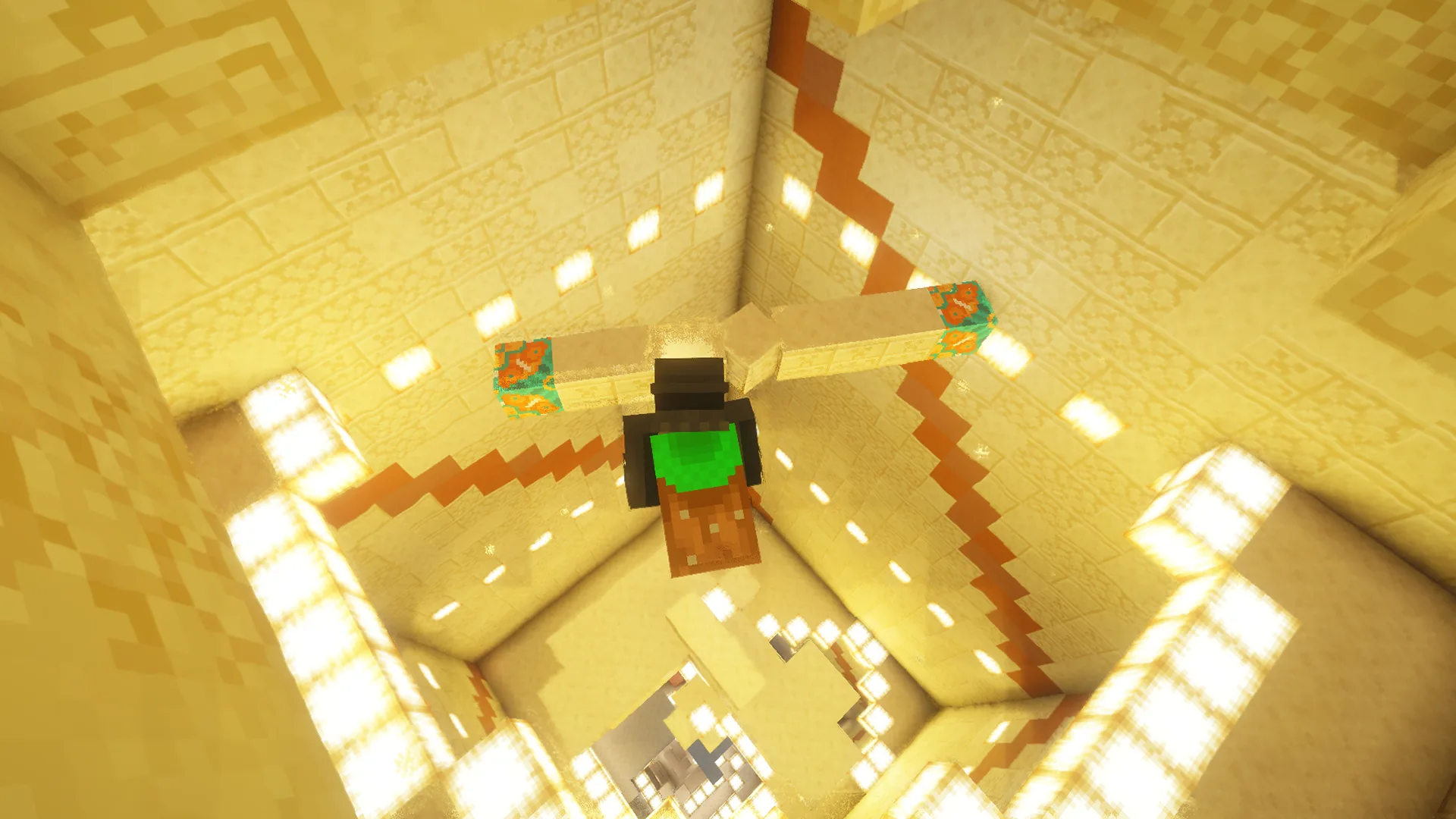
Minecraft Dropper
A Minecraft plugin inspired by the classic Dropper game mode!
Players must complete a series of challenging dropper levels by falling from great heights, dodging obstacles, and safely landing in the designated area.
Your viewers can either help you complete the levels or make the challenge even harder! They can interfere with your progress, create additional challenges, or help you safely reach your destination.
Test your reflexes, overcome increasingly challenging obstacles, and complete all dropper levels to claim victory!
Stay focused, dodge the obstacles, and survive the fall!
명령어

/dropper create [size]
예시:
/dropper create 15
설명:
Build the shaft from the bottom to the top of the world where you stand and start level 1. Size 9-31 (15).
/dropper delete
예시:
/dropper delete
설명:
Remove the shaft.
/dropper tp
예시:
/dropper tp
설명:
Onto the lid (adventure mode).
/dropper level <n>
예시:
/dropper level 4
설명:
Go to level n.
/dropper goal <levels>
예시:
/dropper goal <levels>
설명:
Levels in this run (default 100).
/dropper reset
예시:
/dropper reset
설명:
New run: level 1, new levels, goal from the config.
/dropper reroll
예시:
/dropper reroll
설명:
New levels from the current one on.
/dropper edit
예시:
/dropper edit
설명:
Shaft block protection on/off.

dropper push [n] {nickname}
예시:
dropper push 1 {nickname}
설명:
Push the falling player sideways (n pushes).

/dropper fast [seconds] {nickname}
예시:
/dropper fast 10 {nickname}
설명:
Faster fall.

/dropper slow [seconds] {nickname}
예시:
/dropper slow 10 {nickname}
설명:
Slower fall.

/dropper restart {nickname}
예시:
/dropper restart {nickname}
설명:
Back to the top of the level.

/dropper next [n] {nickname}
예시:
/dropper next 5 {nickname}
설명:
Skip n levels forward.

/dropper prev [n] {nickname}
예시:
/dropper prev 5 {nickname}
설명:
Go n levels back.

/dropper hint [seconds] {nickname}
예시:
/dropper hint 10 {nickname}
설명:
Show the way down.
No commands match your filters.
Minecraft 서버 설정 일반 팁
- /gamerule keepInventory true — 사망 시 아이템과 블록을 떨어뜨리지 않습니다.
- /gamerule sendCommandFeedback false — 서버가 실행하는 명령어를 채팅에 표시하지 않습니다.
- /time set day — 서버 시간을 낮으로 설정합니다.
- /gamerule doDaylightCycle false — 낮과 밤의 주기를 멈춥니다.
- /gamerule doWeatherCycle false — 비와 맑음이 바뀌지 않습니다.
- /weather clear — 서버를 맑은 날씨로 설정합니다.
- /gamemode creative — 게임 모드를 크리에이티브로 변경합니다.
- /gamemode survival — 게임 모드를 서바이벌로 변경합니다.
이 명령어들은 서버 관리자(OP)일 때만 작동합니다. 자신을 관리자로 만들려면 서버 터미널에 op NickName을 입력하세요.