ما الجديد في StreamToEarn

تحديثات التطبيق والألعاب والميزات الجديدة مباشرة من الفريق — كل منشور تراه في تطبيق StreamToEarn موجود هنا أيضًا.

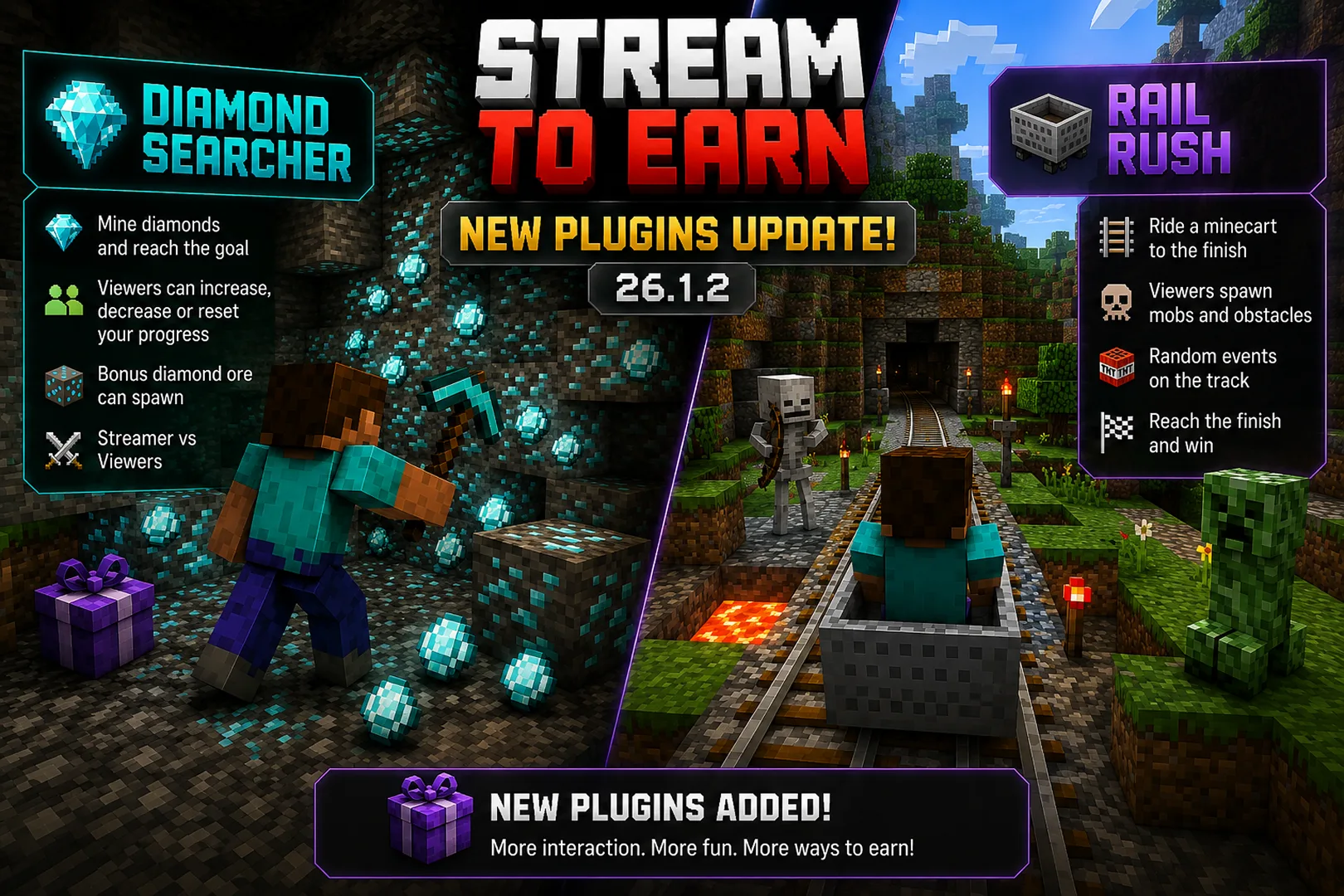
New Plugins: Diamond Searcher & Rail Rush

🎉 New Plugins Added!

💎 Diamond Searcher

Minecraft Version: 26.1.2

Available for Free

Mine diamonds and reach the target goal while viewers can increase, decrease, or completely reset your progress. Bonus diamond ore can appear during the game, creating new opportunities and challenges.

DETAILS

🚂 Rail Rush

Minecraft Version: 26.1.2

Available for Pro – Expert

Ride a minecart to the finish while viewers spawn mobs, obstacles, and random events directly on the track. Every journey is unique and completely controlled by your audience.

DETAILS

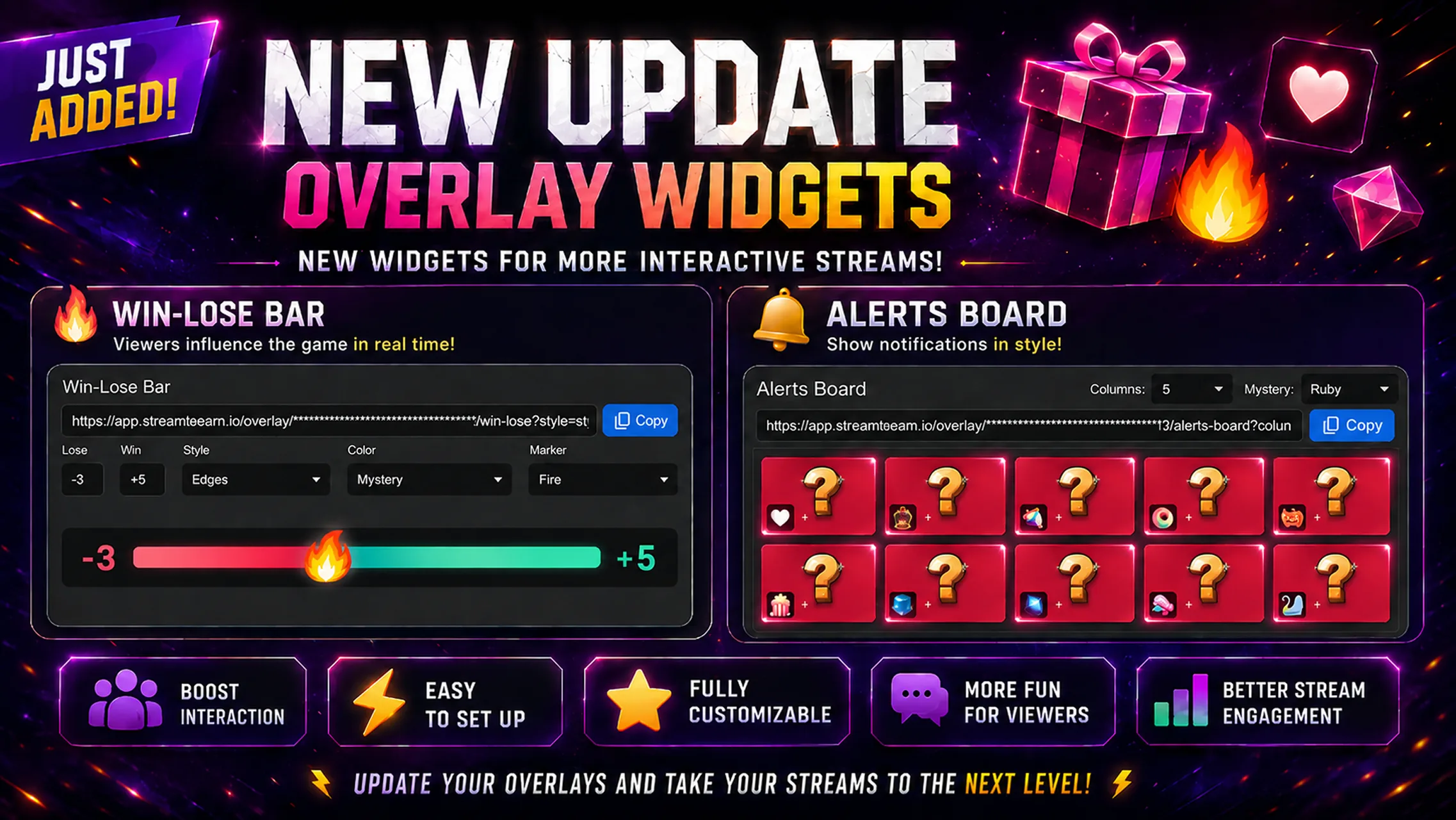
🎉 New Overlay Widgets Update!

🎉 New Overlay Widgets Update!

🔥 Win-Lose Bar

Win-Lose Bar — display streamer vs viewers progress in real time with customizable styles, colors, and markers.

🎁 Alerts Board

Alerts Board — a new overlay that lets you create an overlay showcasing all of your alerts. Build your own custom video presets and display them on your livestream.

🎭 Mystery — one of the customization options for Alerts Board that hides your alerts within the overlay using a selected style until the required gift is sent.

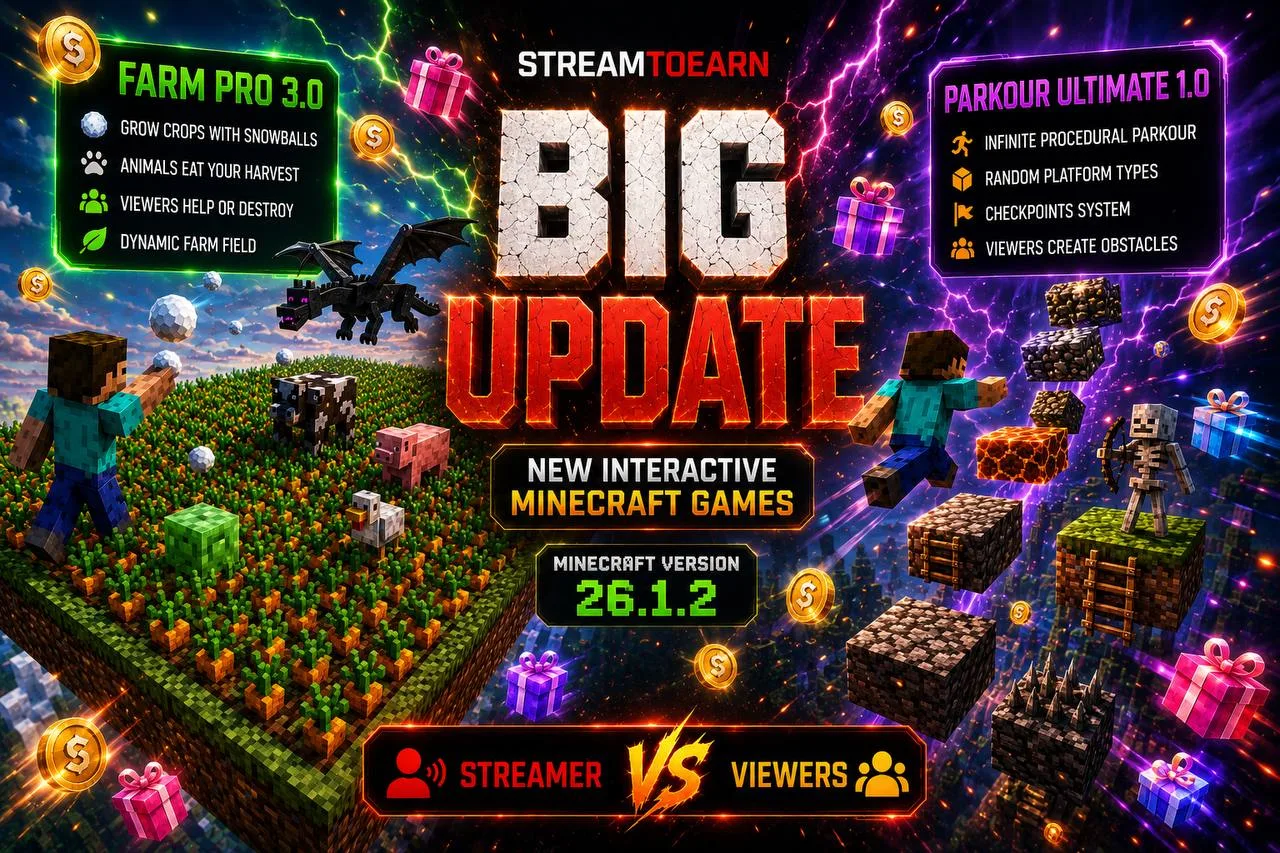
Minecraft 26.1.2 Update – New Plugins: Farm Pro 3.0 & Parkour Ultimate

🎉 The Minecraft update is here!

This release introduces a brand-new Minecraft server version, a completely new interactive parkour game mode, and a major update to our Minecraft platform designed specifically for StreamToEarn creators.

🚀 What's New

🔄 Updated Minecraft Platform for Version 26.1.2

🏃 New Game Mode — Parkour Ultimate

🌾 Updated Game Mode — Farm Pro 3.0

🖥️ New Minecraft Server Version 26.1.2

⚙️ How to Install Minecraft Server 26.1.2

  1. Open Server Settings
  2. Install a New Minecraft Server
  3. Scroll down and find: Install NEW Minecraft Server
  4. In the version selection window, choose: Paper MC 26.1.2
  5. Click: Install Minecraft Server

🌾 Farm Pro 3.0

Farm Pro has received its biggest update yet for Minecraft Server 26.1.2.

The farming system has been completely improved, bringing more customization, new mechanics, and a better streaming experience.

🚜 Custom Farm Shapes

When creating a farm, you can now choose its size and layout. Build classic square farms, large rectangular fields, or even long farming lines for unique gameplay challenges.

🐄 New Animals & Updated Textures

Several new animals with unique behaviors have been added. Cows, chickens, pigs, and other farm creatures have also received updated textures, making the farm feel more alive and immersive.

🌱 Simplified Farming

The mode now uses only snowballs, making interactions faster and easier.

🥕 More Crop Types

Farm Pro is no longer limited to wheat. Players can now choose from 5 different crop types when creating a farm, adding more variety and replayability to every stream.

🏃 New Plugin — Parkour Ultimate

Parkour Ultimate is a procedurally generated parkour challenge where every platform is created dynamically. Viewers directly influence the game by spawning different platform types, obstacles, and challenges in real time.

From simple jumps to dangerous mob platforms, lava sections, and special bonus blocks, every climb is unpredictable and unique.

🎉 StreamToEarn Update 1.10.X

🎉 StreamToEarn Update 1.10.X

🚨 What's New

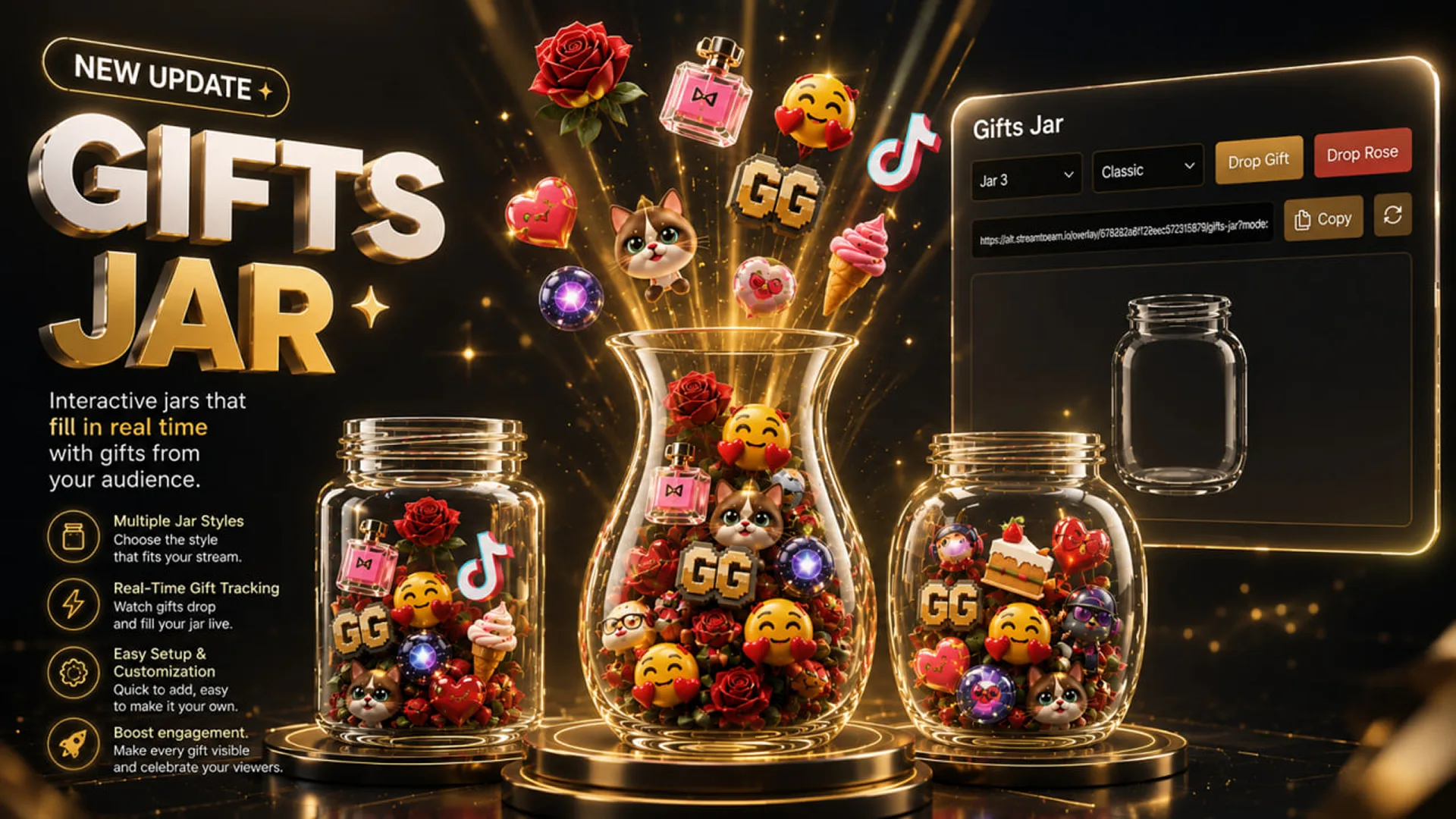
🫙 Gifts Jar

A brand new interactive widget has been added — Gifts Jar.

Gifts Jar allows every gift sent by your viewers to appear inside a customizable glass jar in real time. Gifts visually fall into the jar, creating a fun and satisfying way to celebrate audience engagement during your streams.

Whether you're streaming games, chatting, reactions, or special events, Gifts Jar makes every gift feel more impactful and rewarding.

The more gifts your viewers send, the fuller your jar becomes.

✨ Features

🫙 Multiple Jar Styles

Choose between different jar designs and shapes to match your stream's theme.

🎨 Easy Customization

Adjust the appearance, size, style, and behavior of your jars in just a few clicks.

⚡ Instant Setup

Generate a browser source URL and add it directly to your streaming software.

🎉 StreamToEarn Update 1.7.X

🎉 StreamToEarn Update 1.7.X

The new update introduces powerful new interactive features and major improvements for streamers using StreamToEarn.

🚨 What's New

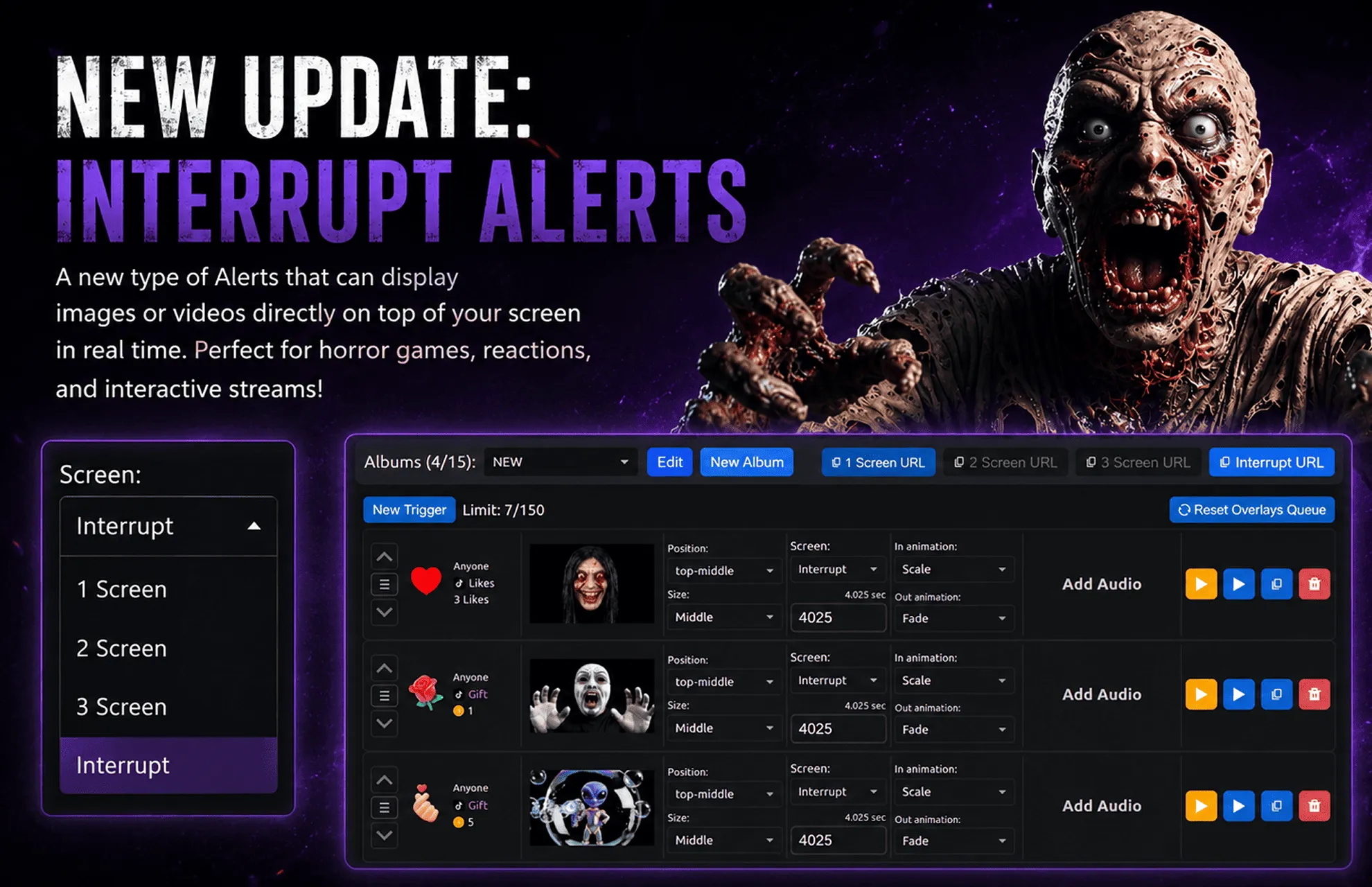
👻 Interrupt Alerts

A brand new type of Alerts has been added — Interrupt.

Interrupt Alerts allow images and videos to appear directly on top of your screen and over all windows in real time. This feature is perfect for horror games, reactions, funny moments, and interactive streams.

Your viewers can now trigger scary events, memes, jump scares, or any custom media at any moment during the stream.

The app already includes many ready-to-use examples, but you can also add your own videos or images.

⚙️ How To Use Interrupt

  • Open the Alerts tab in the top menu
  • Create or edit any alert
  • Add an image or video, built-in or custom
  • In the Screen dropdown menu, select Interrupt
  • Set how long the media should stay on screen
  • Press Interrupt URL to copy the overlay link
  • Open TikTok Live Studio
  • Add a browser source and paste the copied URL

⚠️ Important: If you are streaming using full screen capture instead of capturing a specific game window, you do not need to use the Interrupt URL to avoid duplication.

🎬 How To Create Interrupt Videos

You can create your own jump scare or interrupt videos for StreamToEarn.

Read the full guide here: How to create jump scare videos

Now both you and your viewers will see the Interrupt events live on stream.

🎉 StreamToEarn Parkour Update

🎉 StreamToEarn Parkour Update 1.6.X

The new update introduces a range of improvements and new interactive features for the Parkour mode.

🚀 What's New

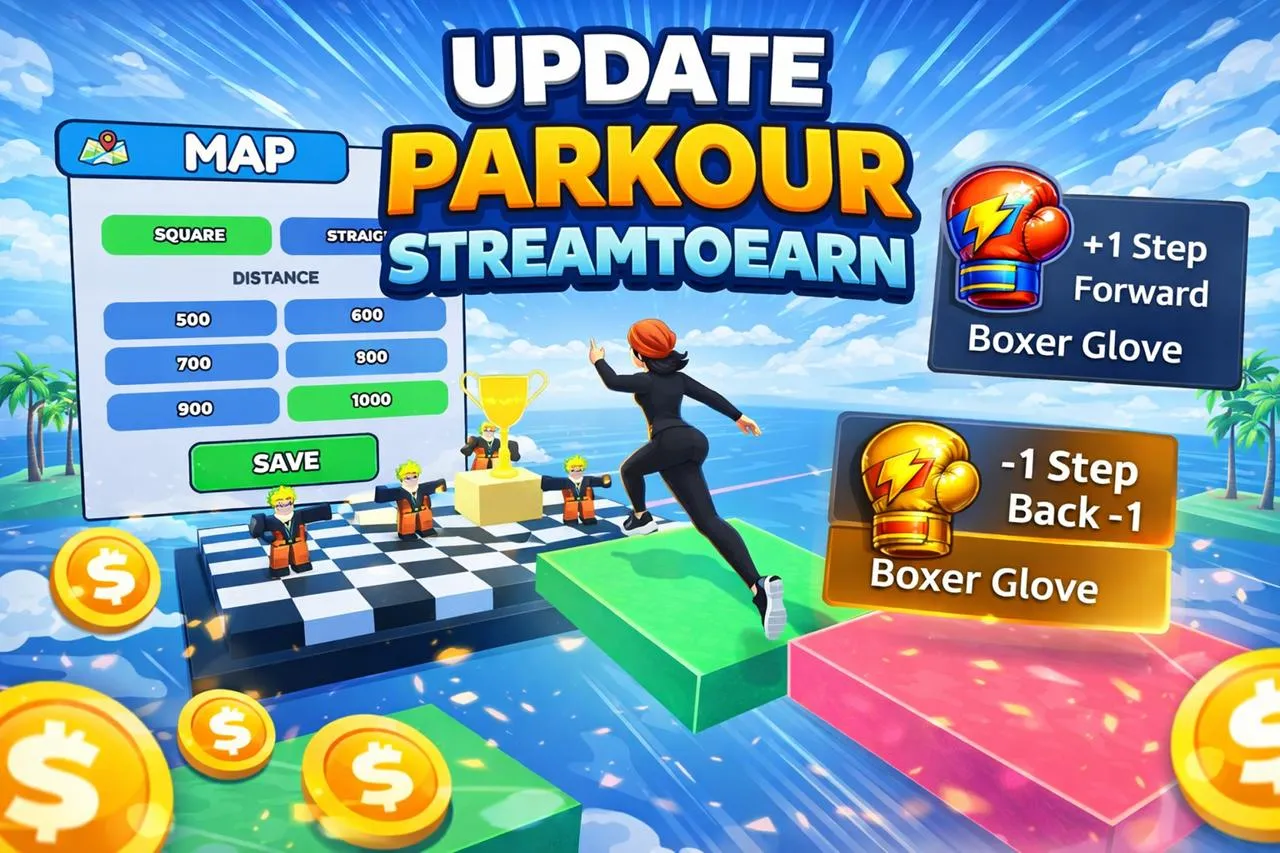
🗺️ Map Settings Update

  • Added settings in the MAP menu to adjust the number of steps:
    • 500 / 600 / 700 / 800 / 900 / 1000

🎮 Gameplay Features

  • Added new ±1 step system
  • Ability to set any number of repetitions
  • Ability to choose any effect from the list
  • Players can now create custom presets without fixed limits (+5 / +10 / +20 ... removed)
  • Increased player running speed

🏆 Win & Finish Effects

  • Automatic overlay update in the app on WIN
  • Added win animation
  • Added visual finish effects

🔊 Sound Improvements

  • Added timer sound
  • Added victory sound

🖥️ UI Improvements

  • Updated step counter UI
  • Updated timer UI

✨ Enjoy smoother gameplay, more control, and better stream interaction!

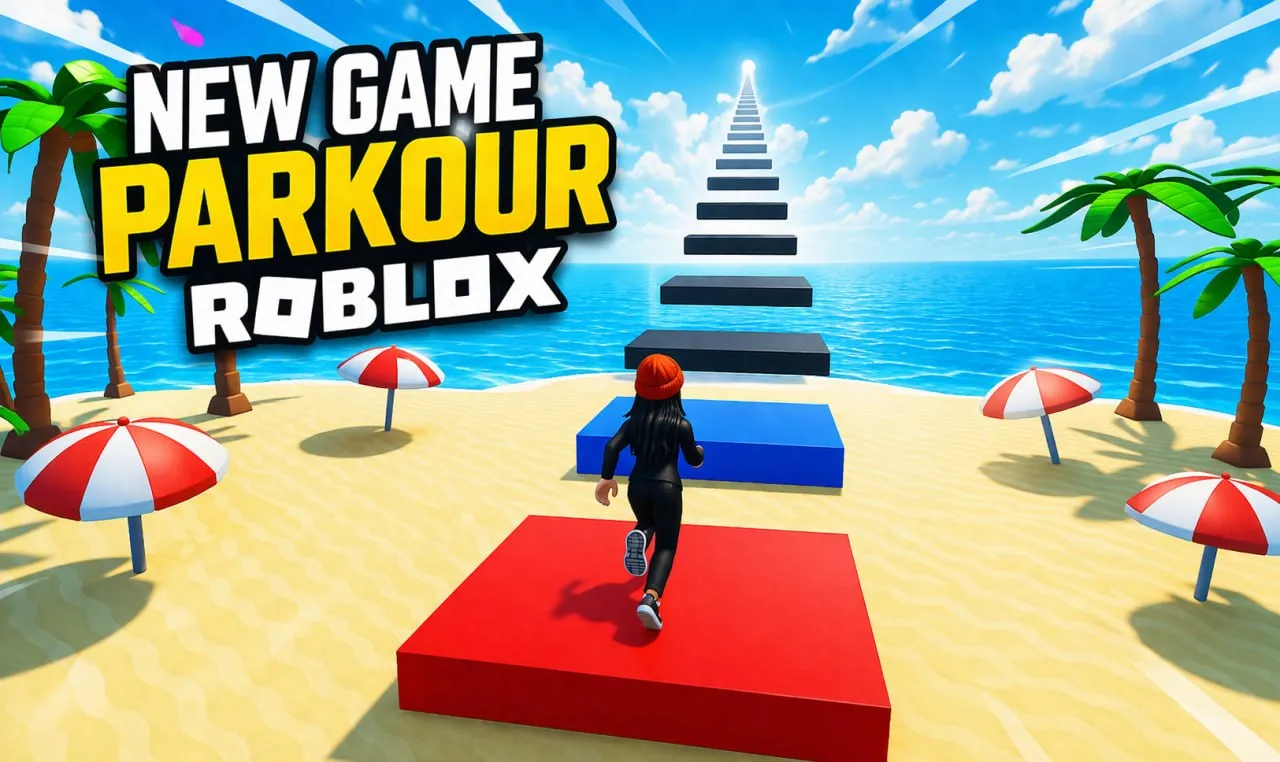
Roblox Parkour

Exciting news! A new location is now available for Roblox. 🎉

We've also prepared a ready-made preset as an example, which you can easily copy and customize to your liking.

MAP PARKOUR

Alerts & Dashboard

🎉 StreamToEarn Update 1.6.0

The new 1.6.0 update introduces a range of new features and improvements.

🚀 What's New

🔔 Alerts Update

  • The Edits page has been renamed to Alerts.
  • Alerts now support multiple files per event with configurable probability for each file.
  • You can now choose entrance and exit animations for Alerts.
  • Alerts can now have custom icons.
  • Album limit increased.

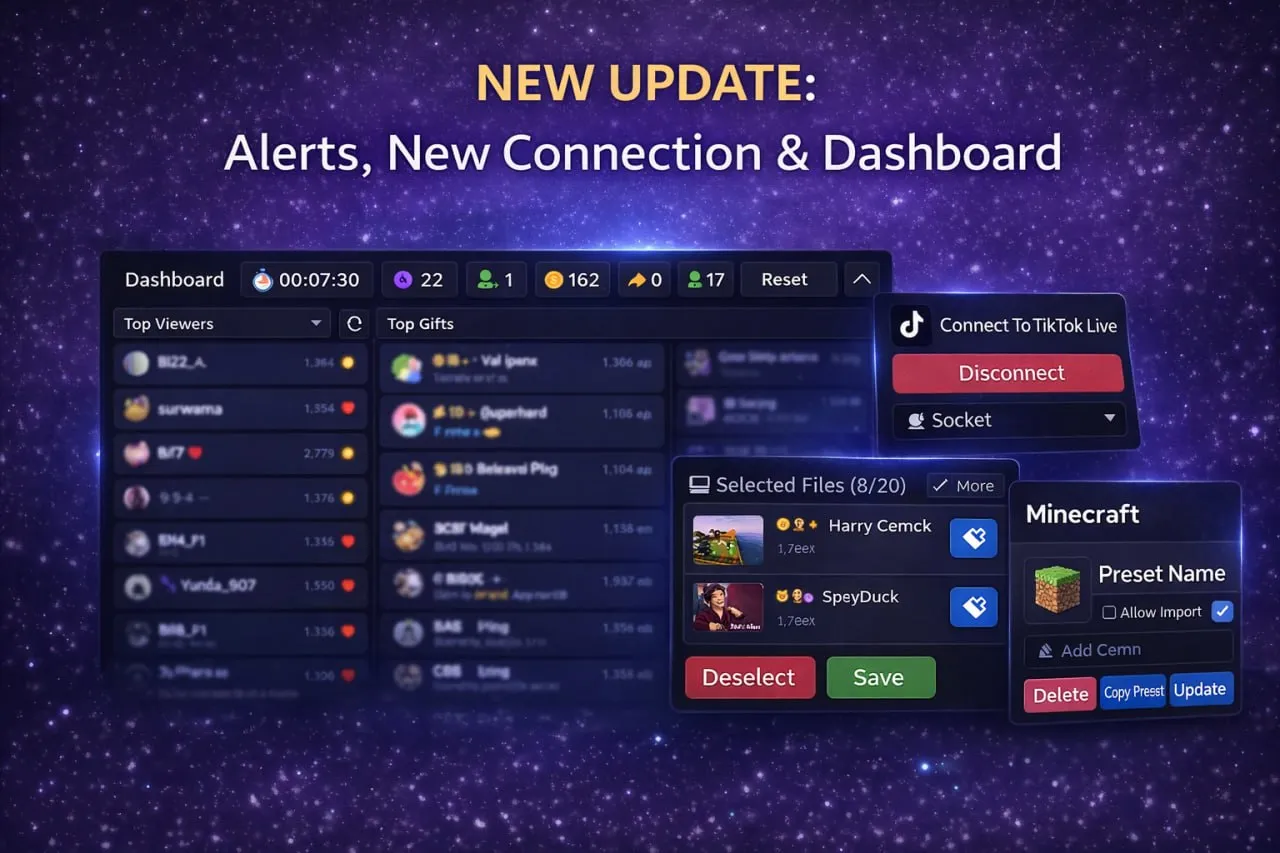
🏠 Interactive Dashboard

  • The homepage now displays:
    • Active album
    • Alert events
  • You can choose to show the Dashboard instead of the main overlay.
  • Dashboard includes four columns:
    • Top Viewers
    • Top Gifts
    • Events
    • Chat

🧩 Interface Improvements

  • Collapsible sections added:
    • My Presets
    • Overlay
    • Event list in selected preset
  • Toggle Events — disable events from presets or albums.
  • New Event Button — relaunch events that were triggered but not yet played.

🏆 Viewer Statistics Update

  • Top Fans & Gifters info moved from the bottom of the page to the Dashboard.
  • Added new display mode:
    • Combined View (Top Viewers)

🔗 TikTok Connection (Beta)

  • New connection method: Socket (Beta)
  • Now you can connect to streams:
    • From the StreamToEarn app
    • From the web version:
    • app.streamtoearn.io

🌐 Web Version

The web version is mainly designed for:

  • Alert albums
  • Chat voice-over
  • Stream statistics widgets

Note:

The web version does not support:

  • Mod installation
  • Minecraft server launching

The TikTok connection server is down

A disruption has occurred with the connection server for TikTok. However, you can temporarily use the Browser Connection Method by selecting it under the Connect button. While it may be slightly less convenient, as it will open a window that mirrors your stream, please do not close this window during the entire broadcast. Occasionally, you may need to log in or solve a CAPTCHA. Sometimes, the chat might not display, and in such cases, you'll need to reconnect to TikTok. Rest assured, this method is completely reliable and provides a direct connection to your stream events right from your computer. Once again, we sincerely apologize for any inconvenience this may cause. We are actively communicating with the provider to restore the server connection. 😊

**Update:** The server connection has been restored. 🎉 Thank you for your understanding!