
Inspired by GTA V’s “King of the Hill”, re-imagined with new mechanics, obstacles, and full StreamToEarn integration.
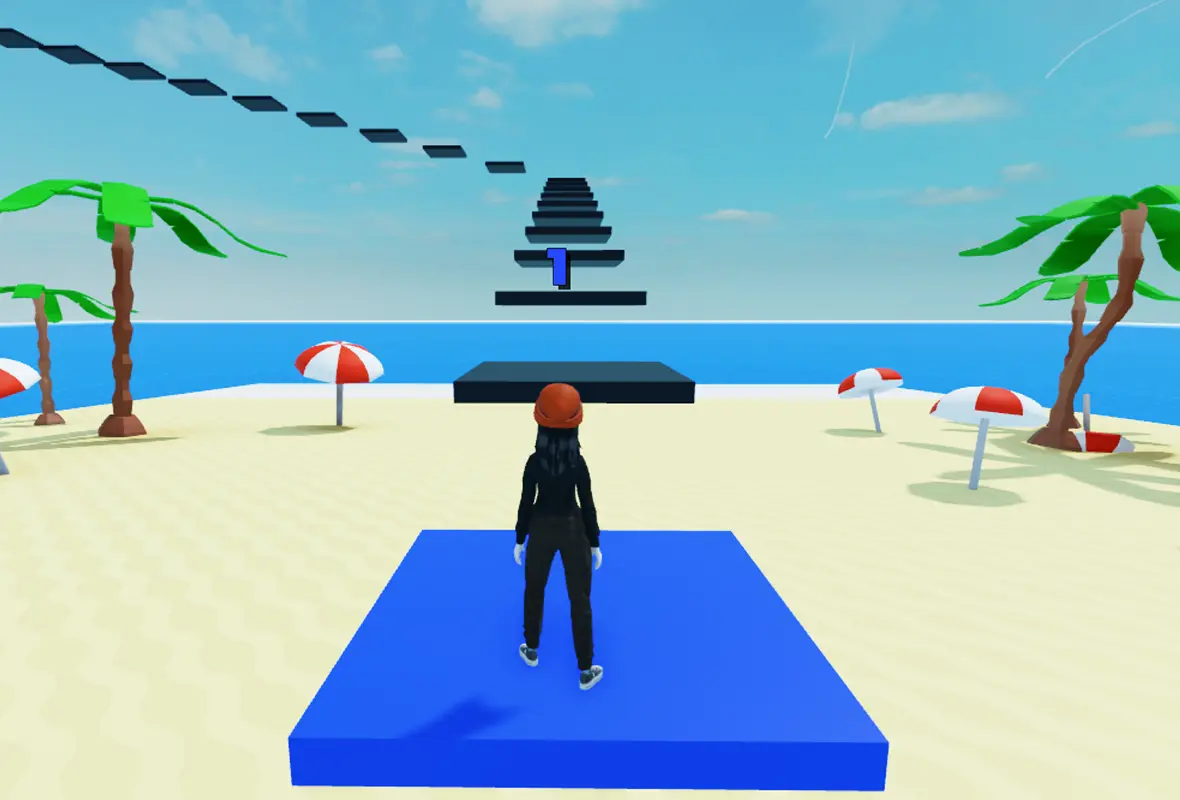
🧭 Goal: Reach the summit of the ramp and hold out until the timer ends.
🎁 20+ unique items can be triggered through gifts, likes, and comments.
✨ No mods required — just join and play.
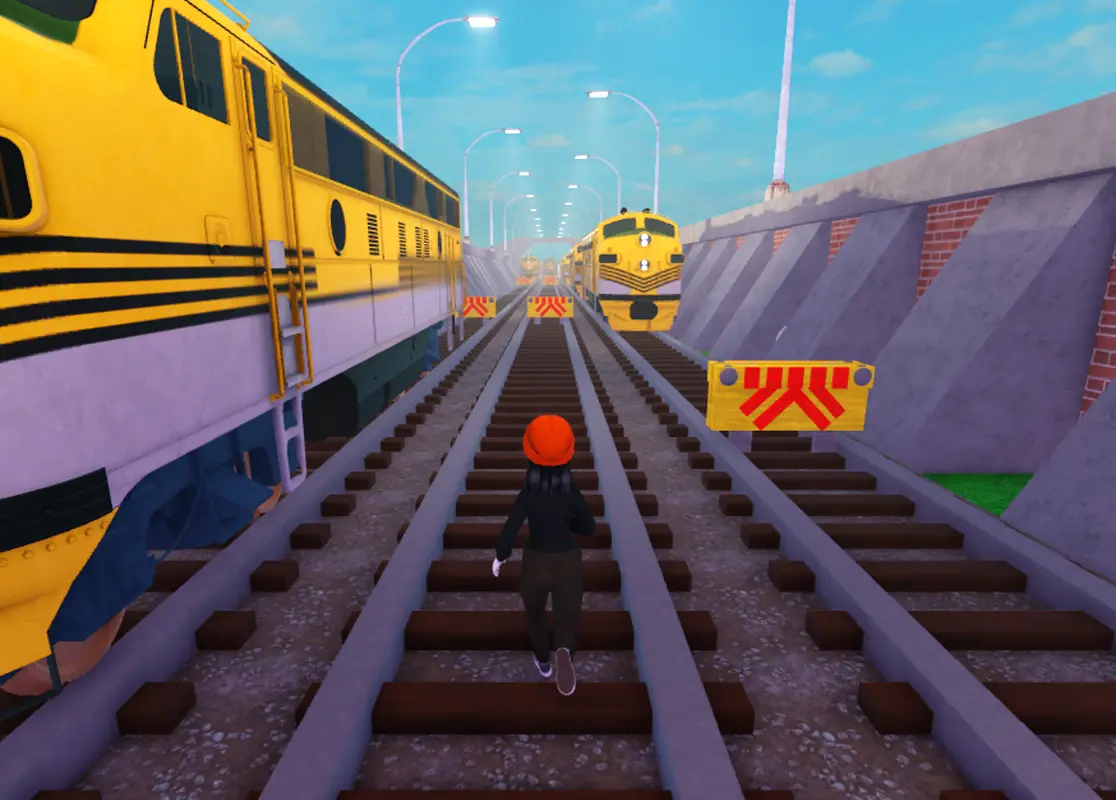
⚠️ Note: Events from King of the Hill will not work in Highway, and vice versa.
How it works:
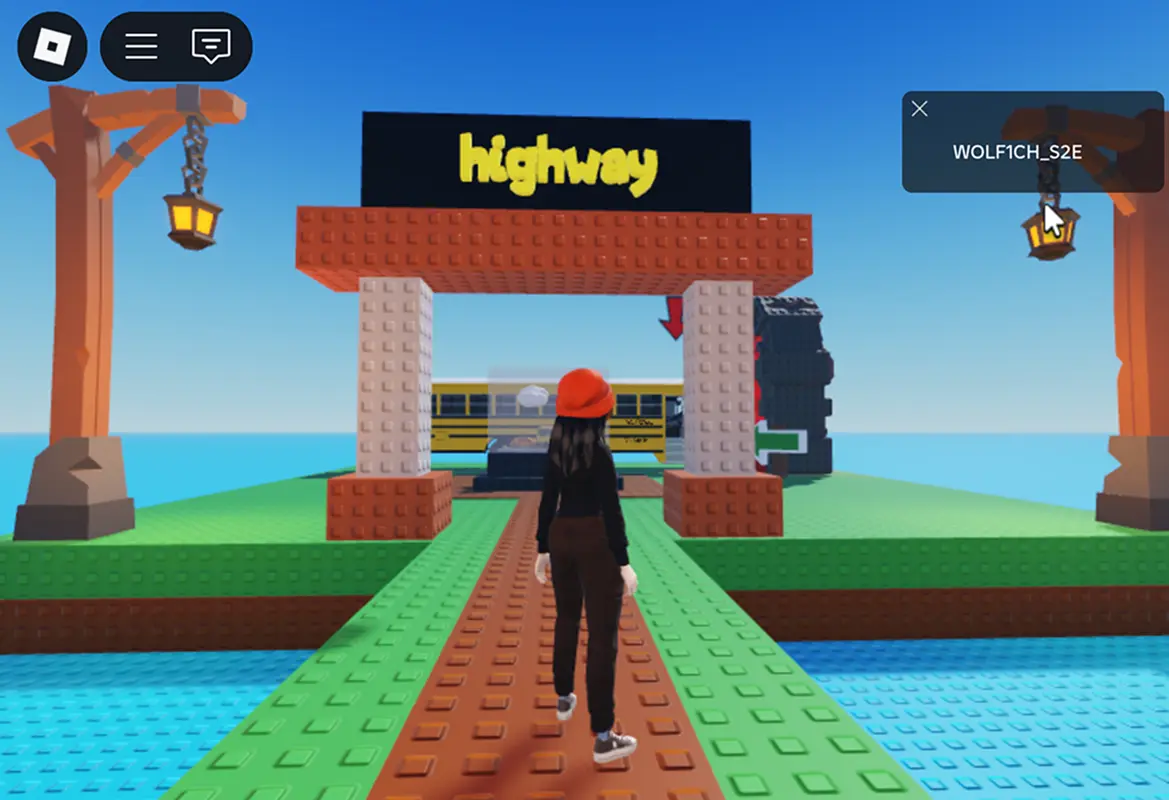
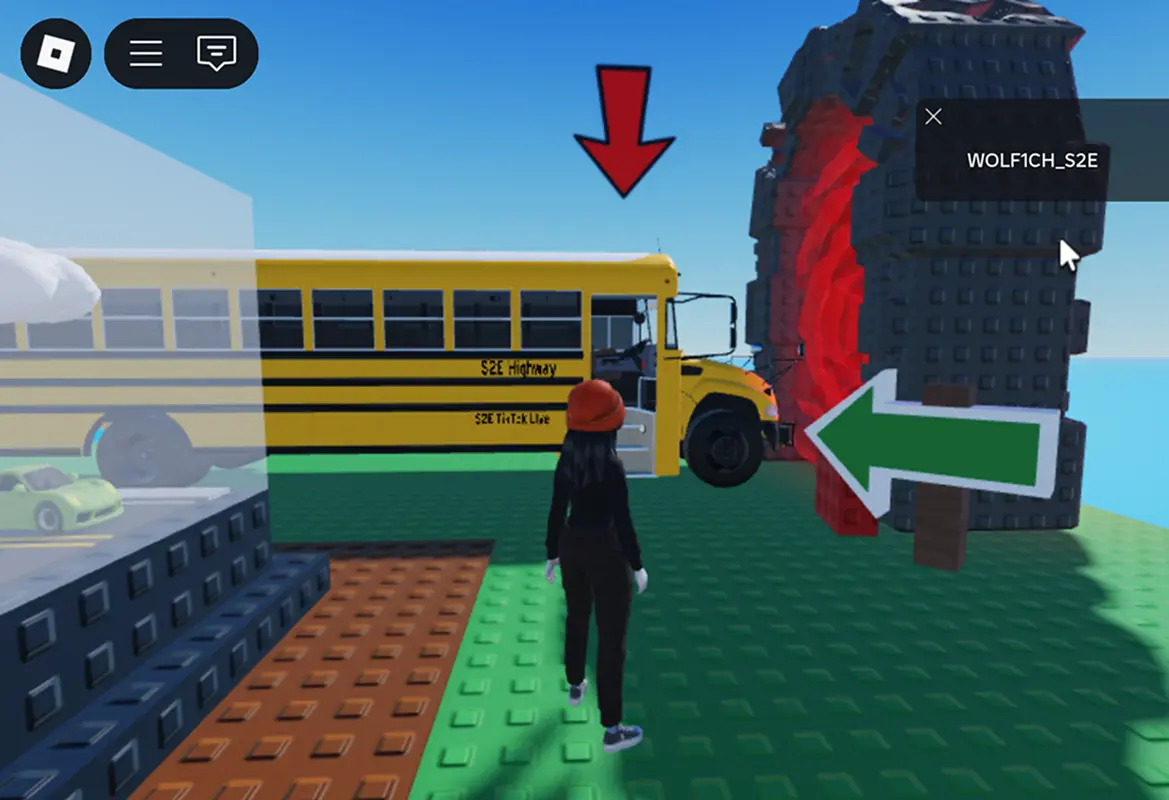
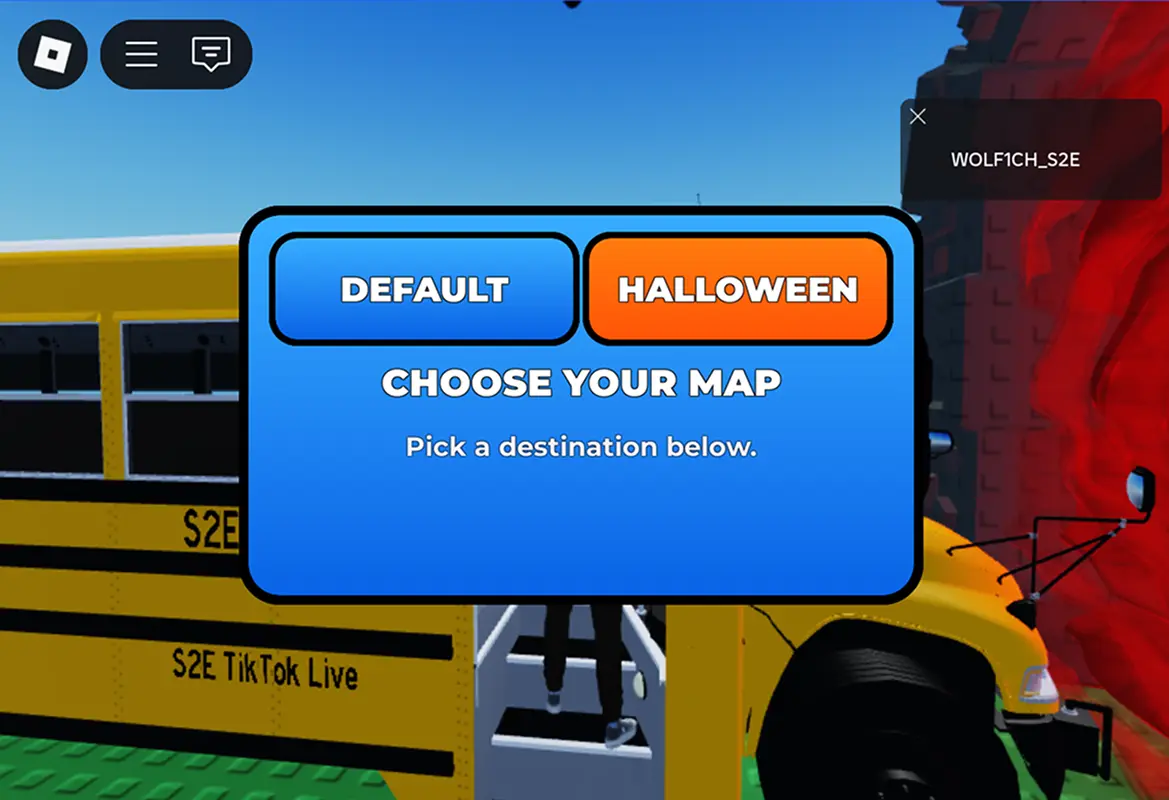
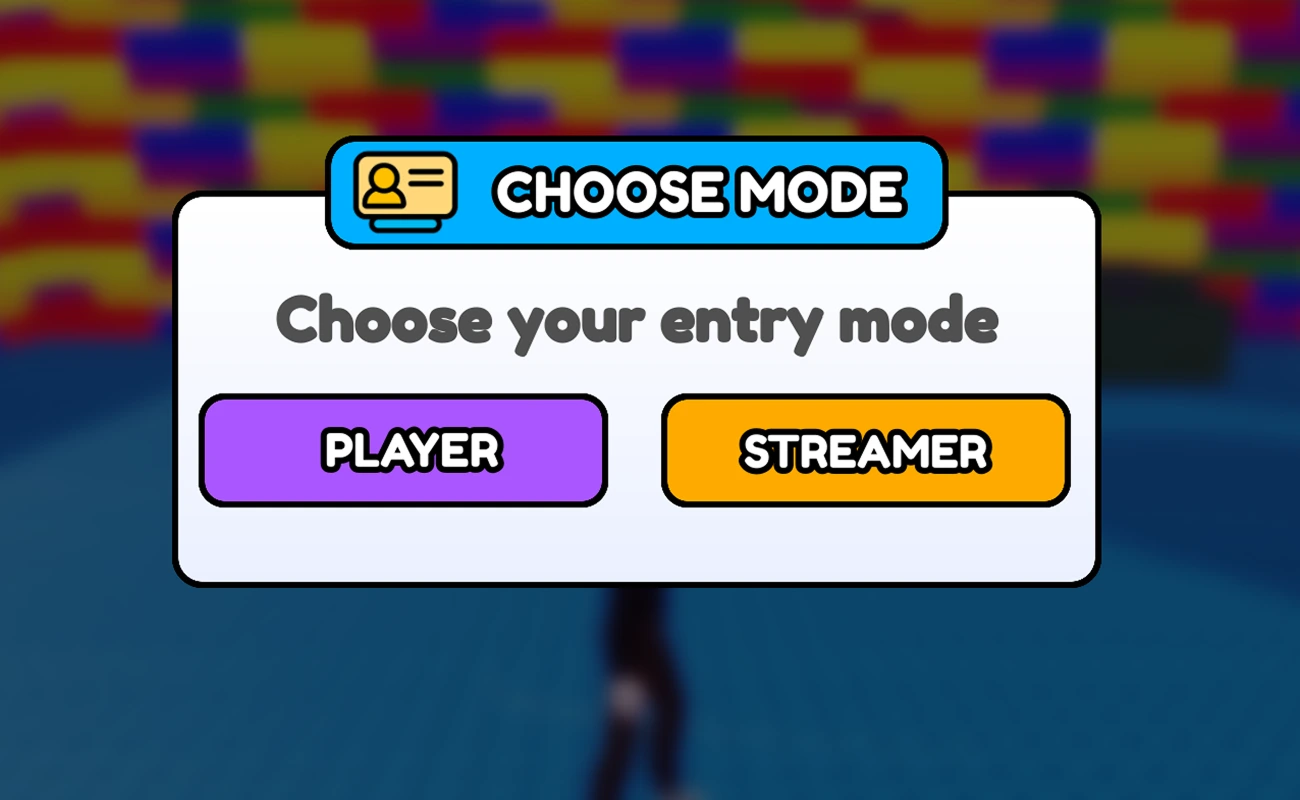
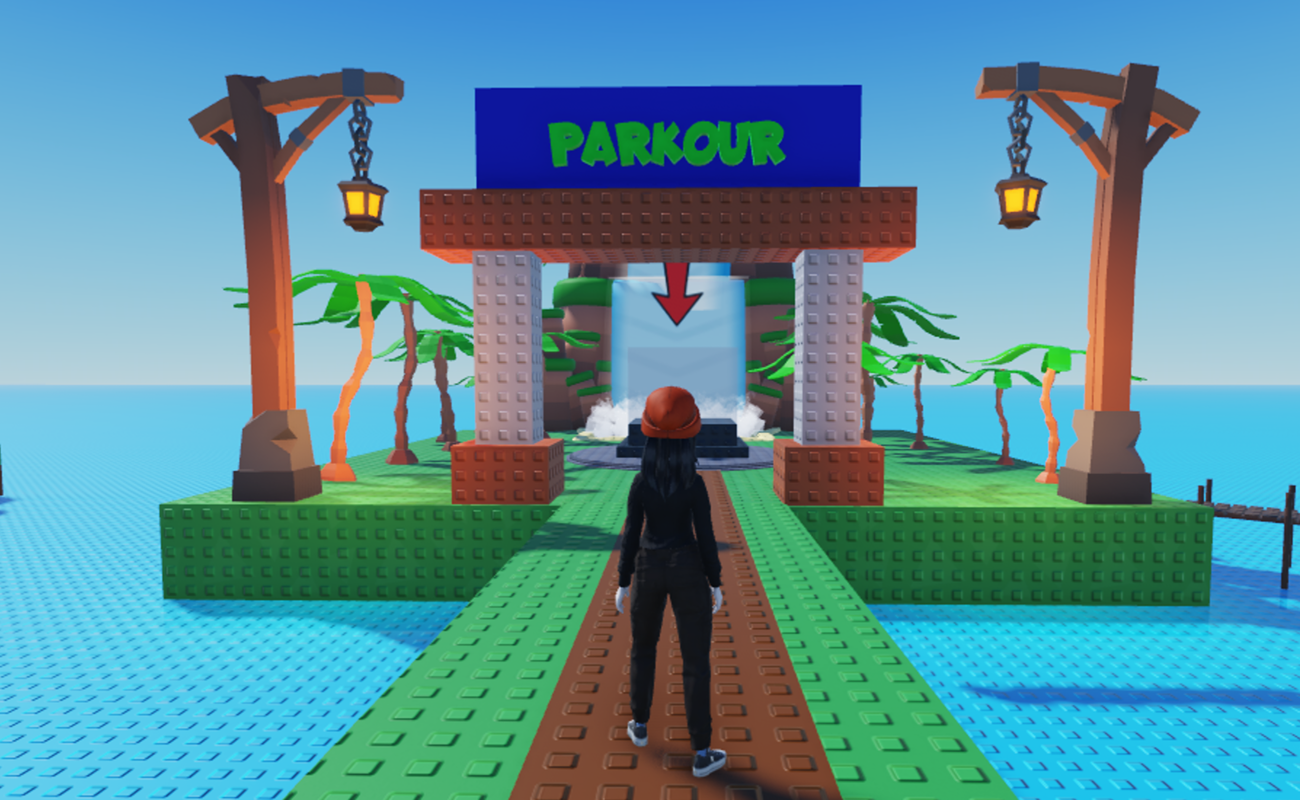
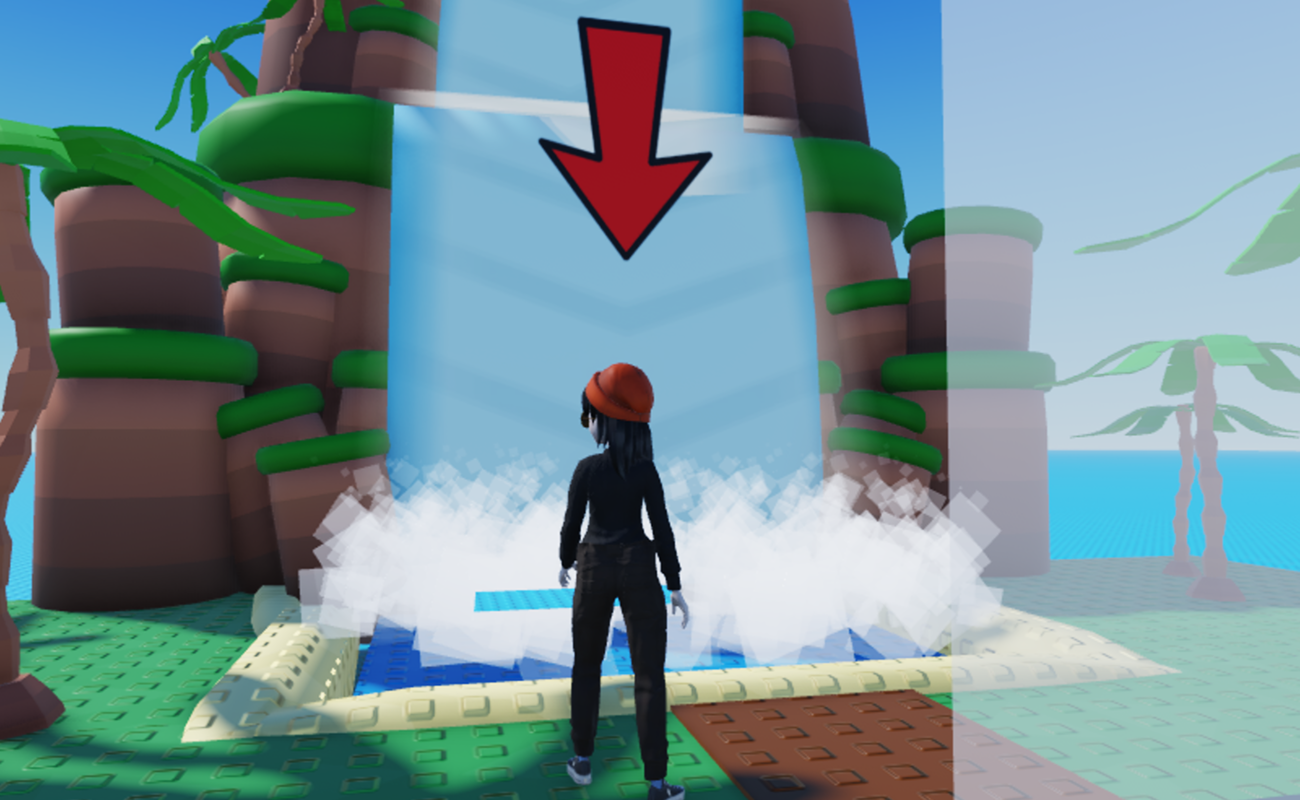
🏝 Enter the island and step into the teleport to the ramp.
⏳ Teleportation takes 10–15 seconds (normal).
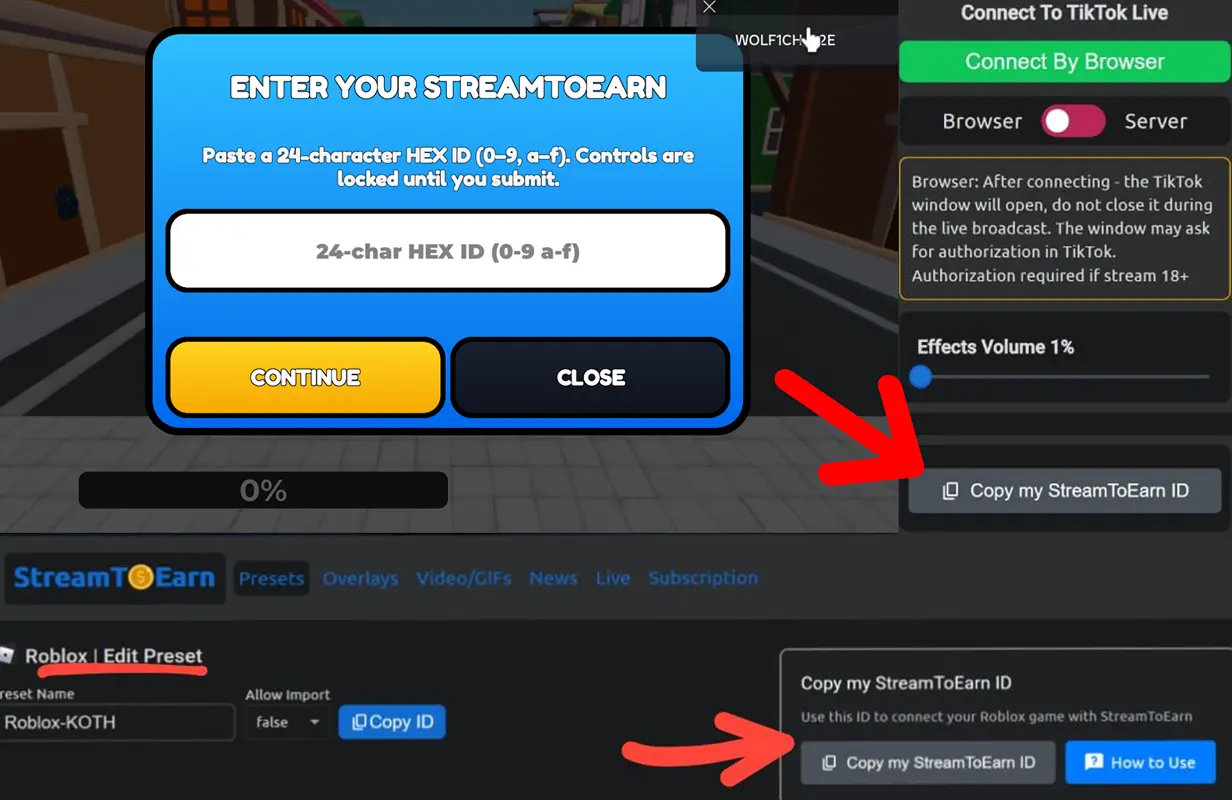
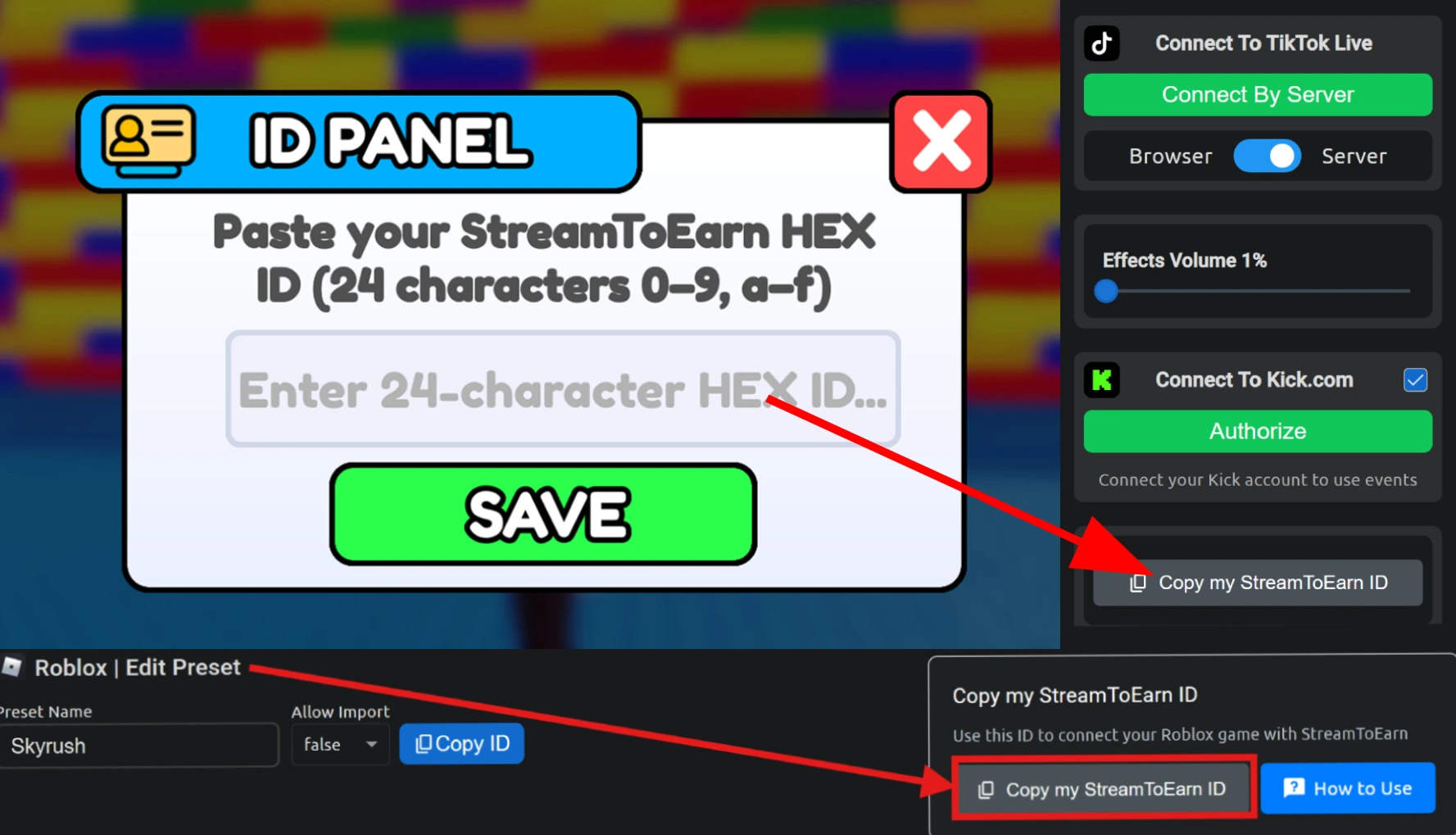
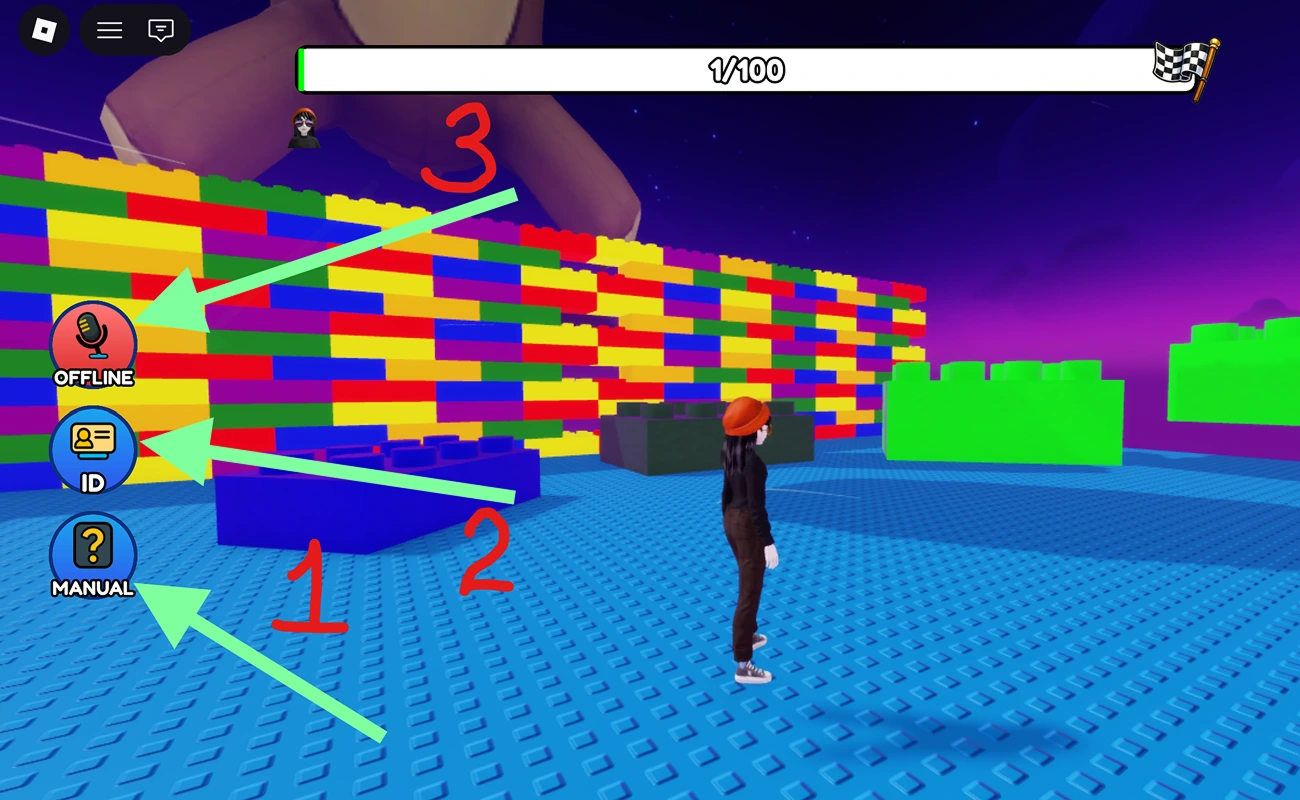
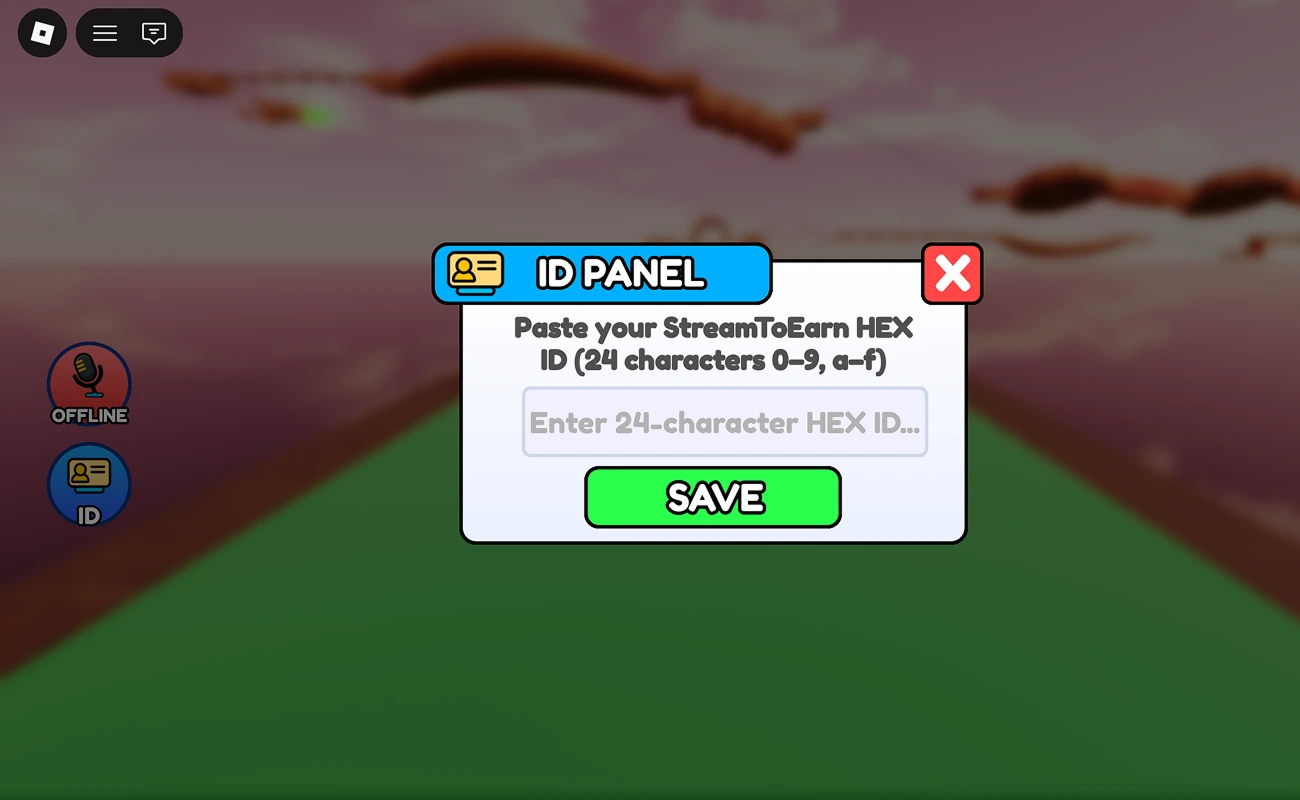
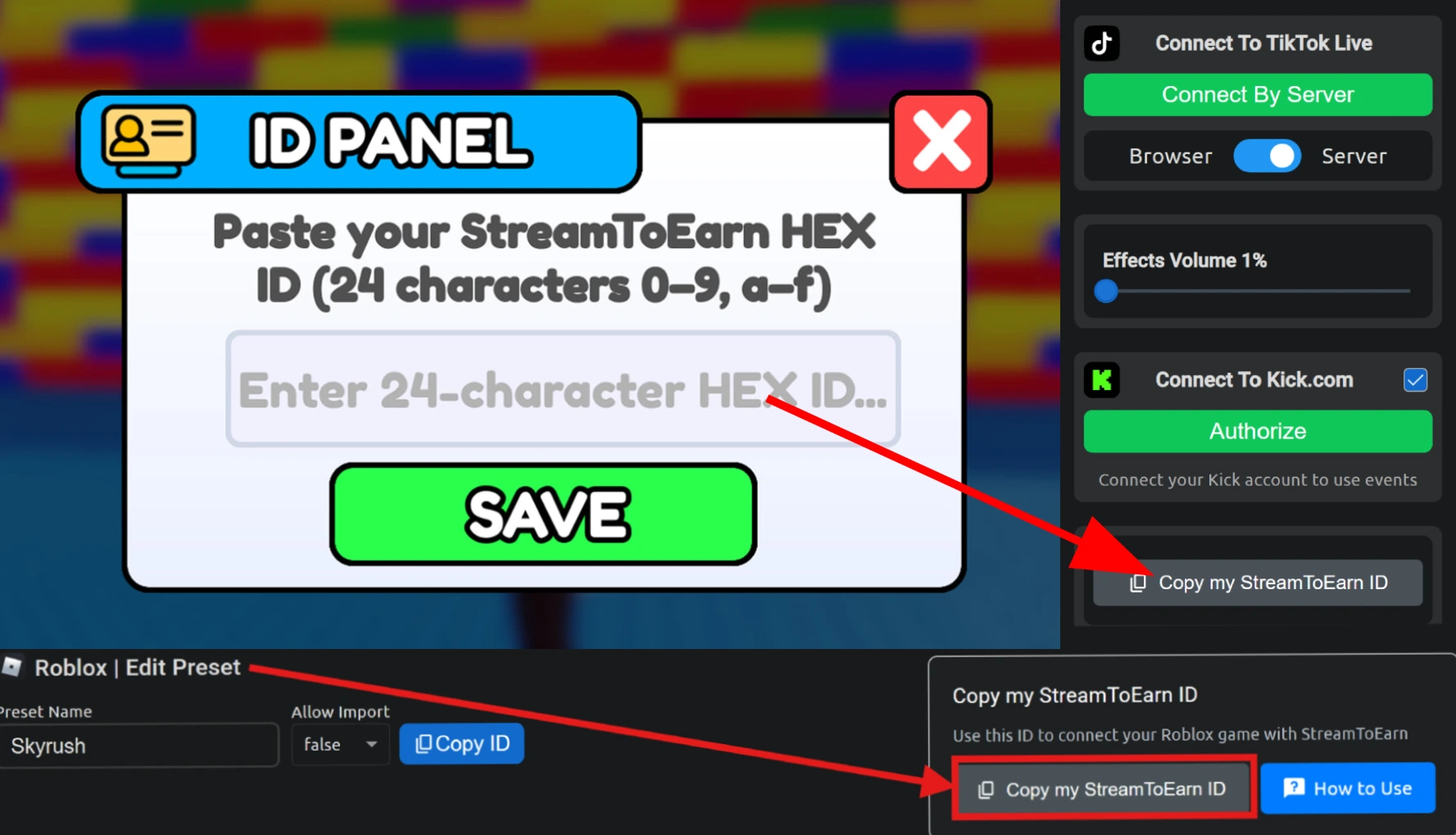
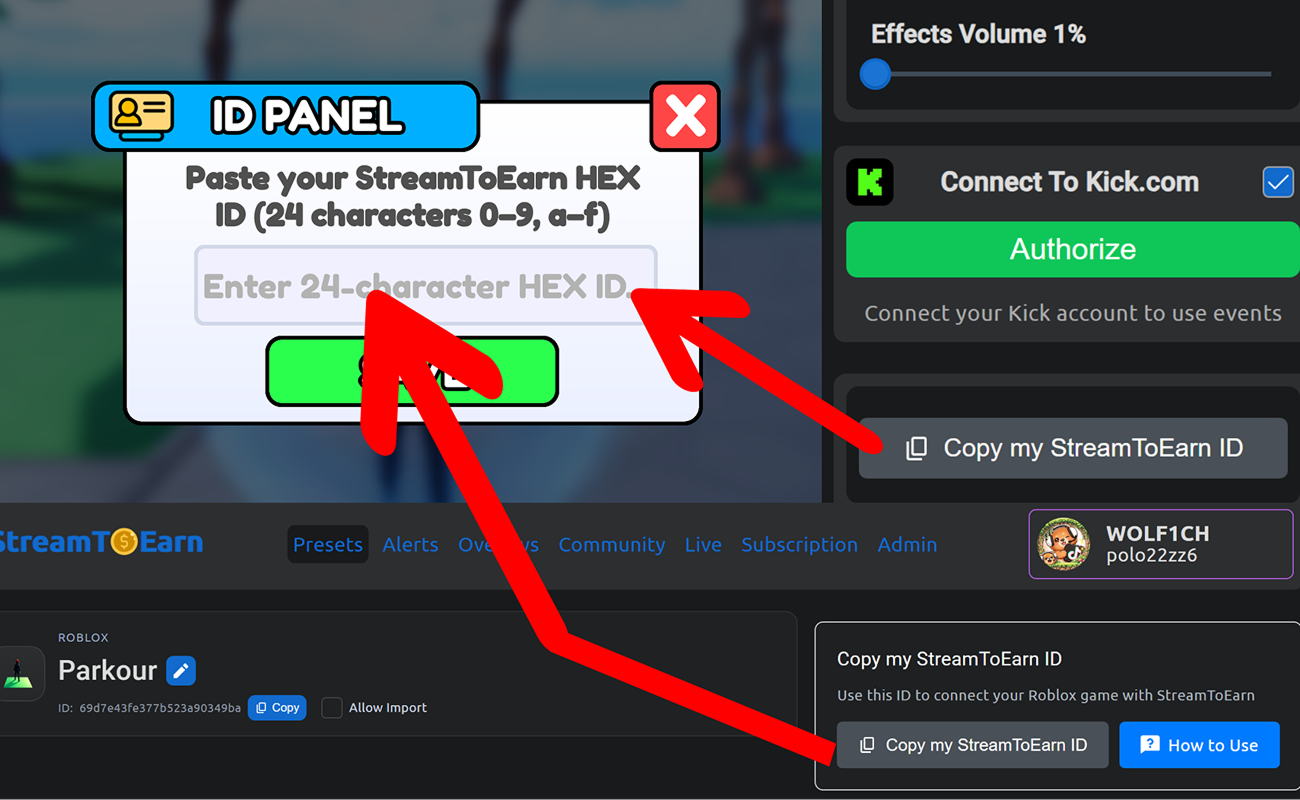
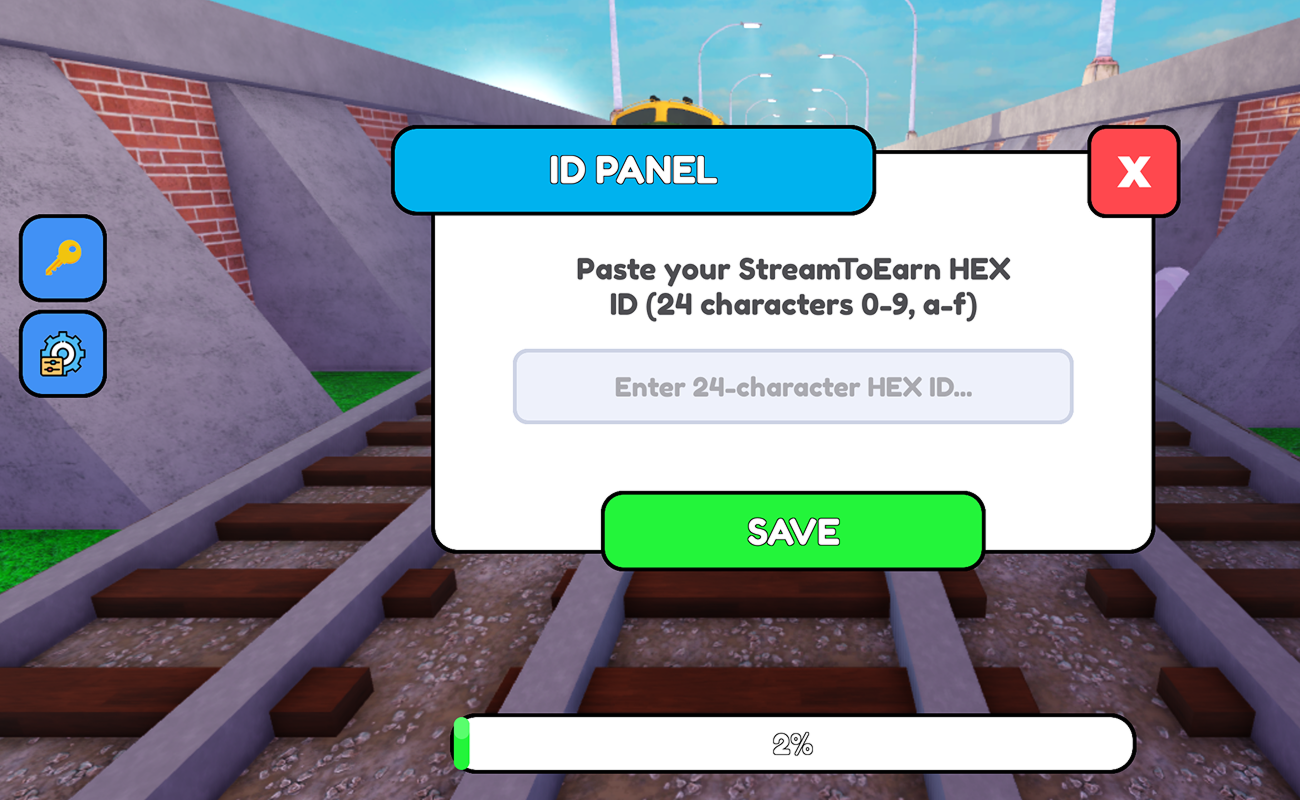
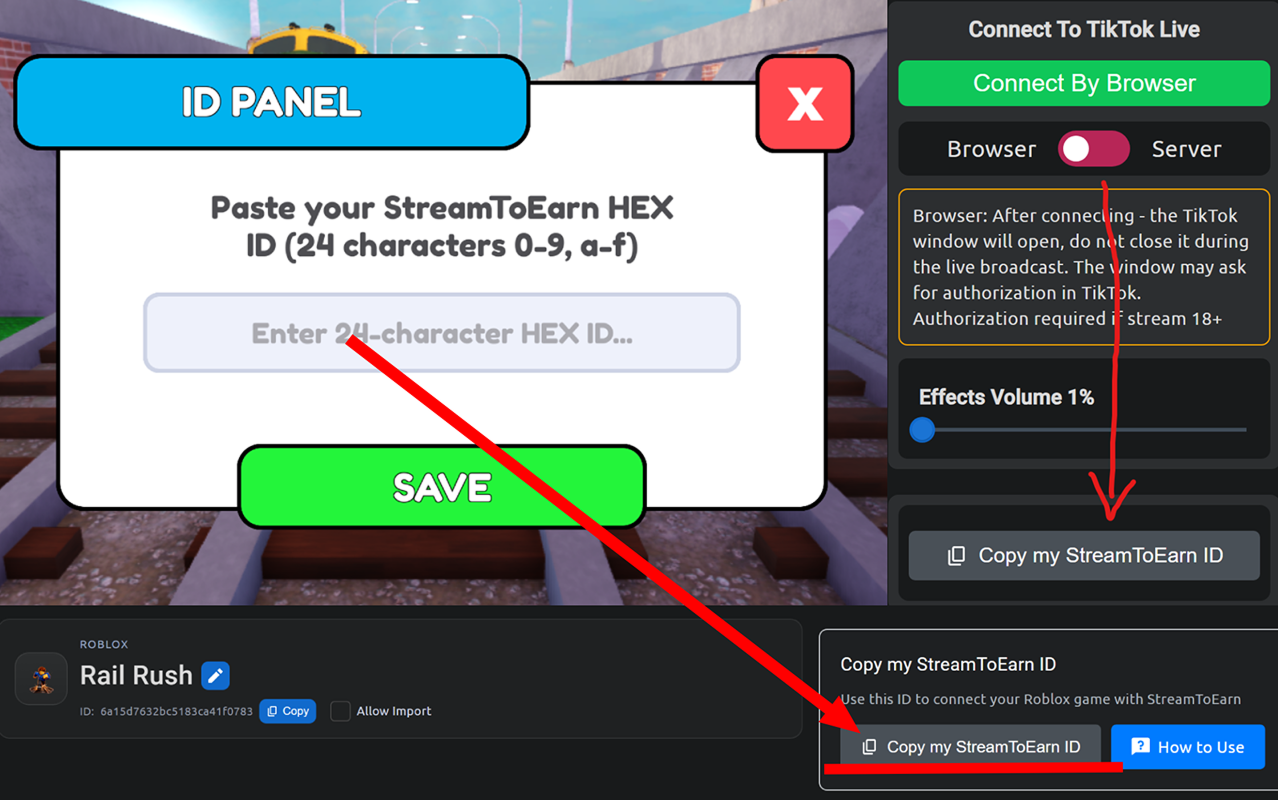
🆔 Enter your StreamToEarn ID (copy it from the app and paste with Ctrl+V).
🛡 Each player receives a personal instance of the ramp (solo play). Other streamers are only seen in the lobby.
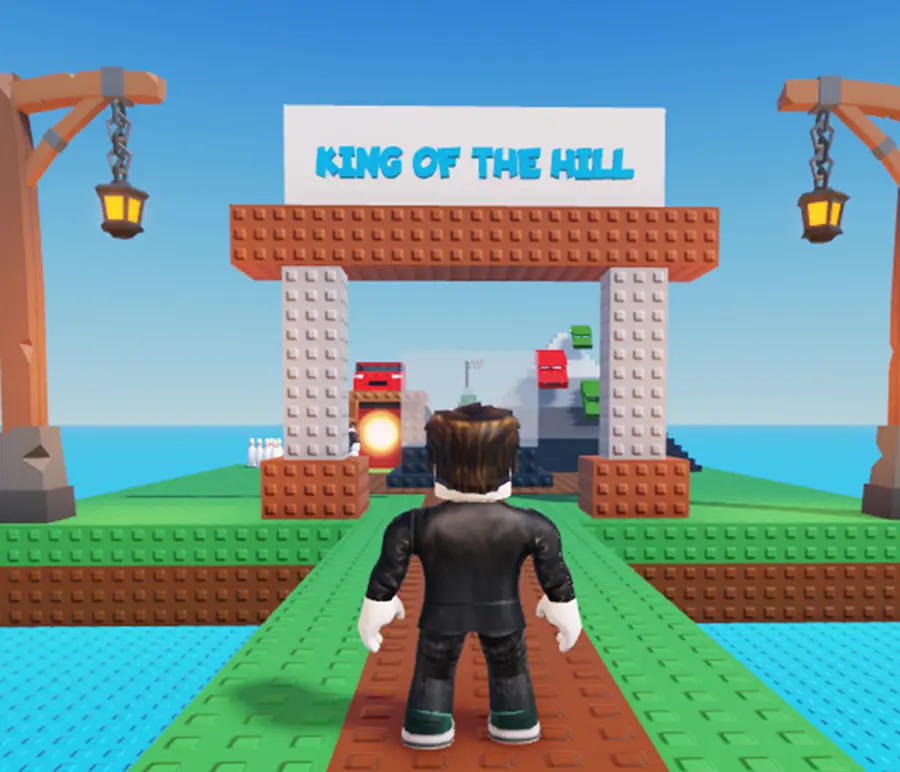
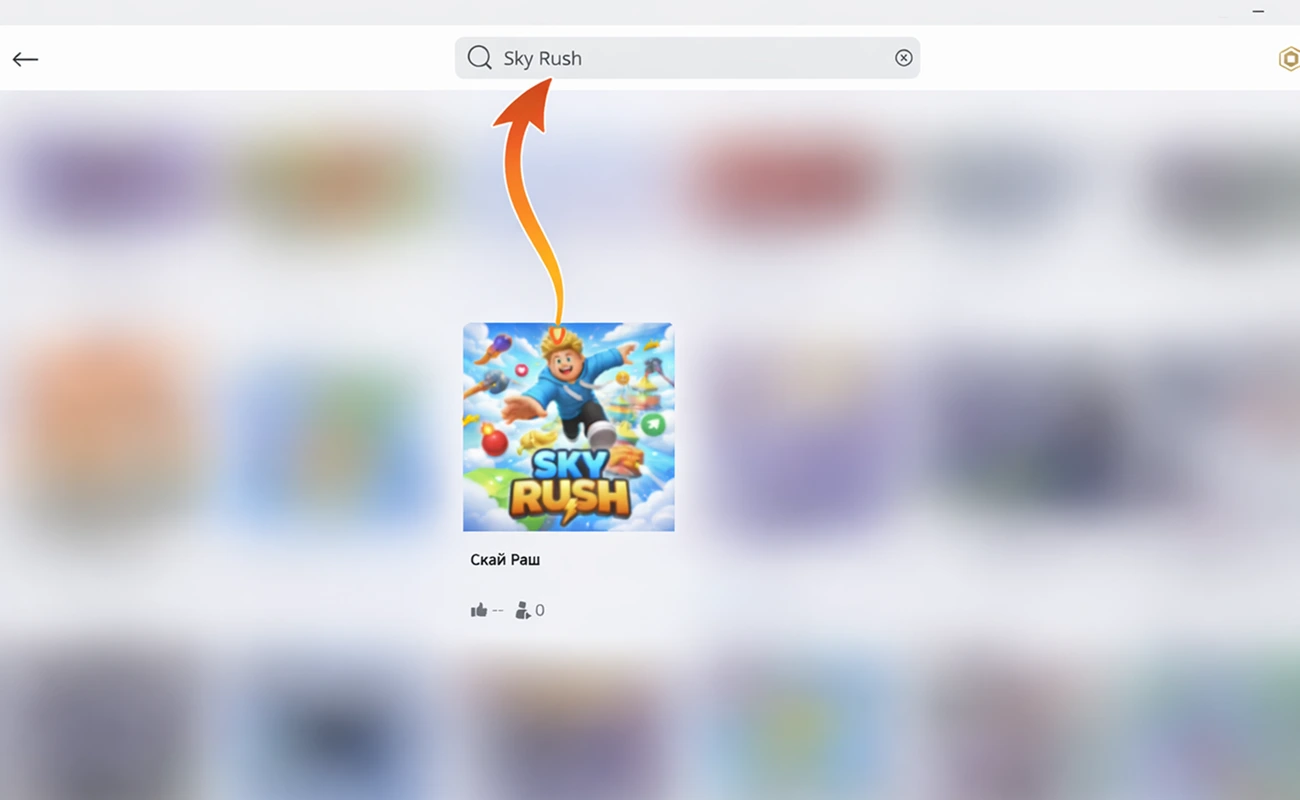
Island
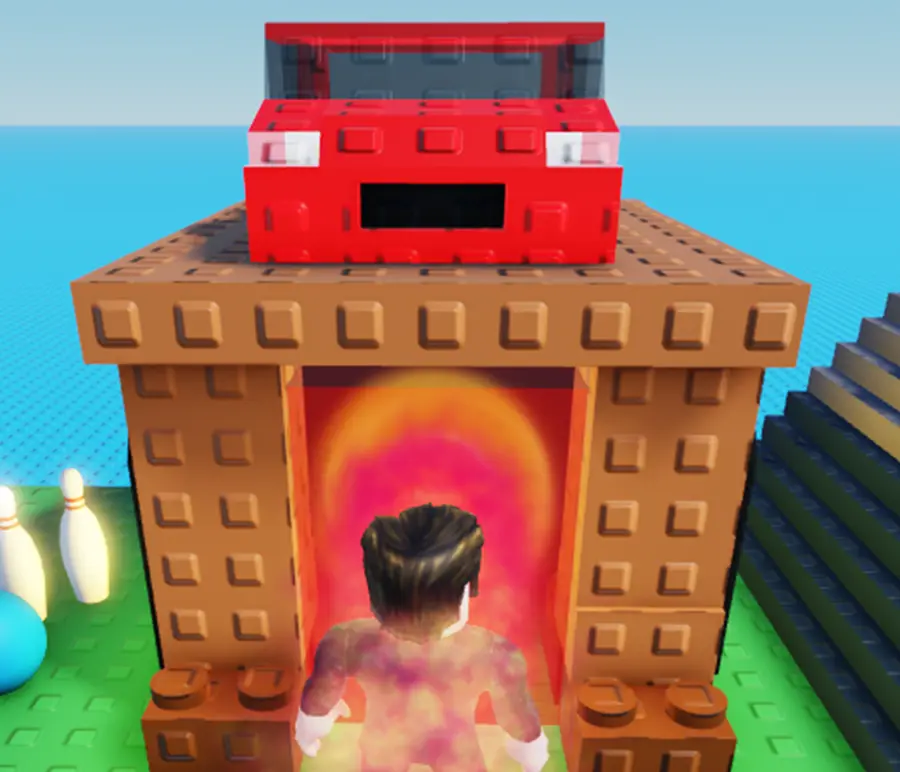
Teleport KOTH
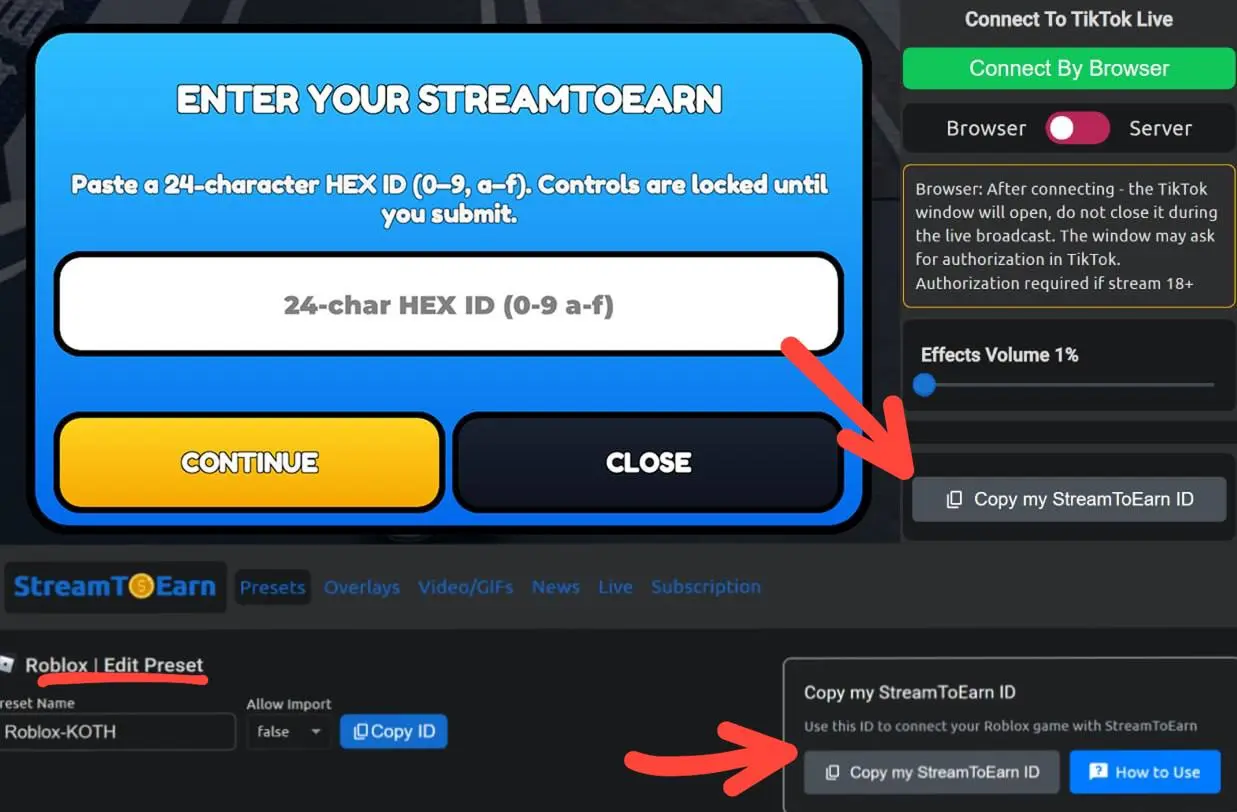
StreamToEarn ID
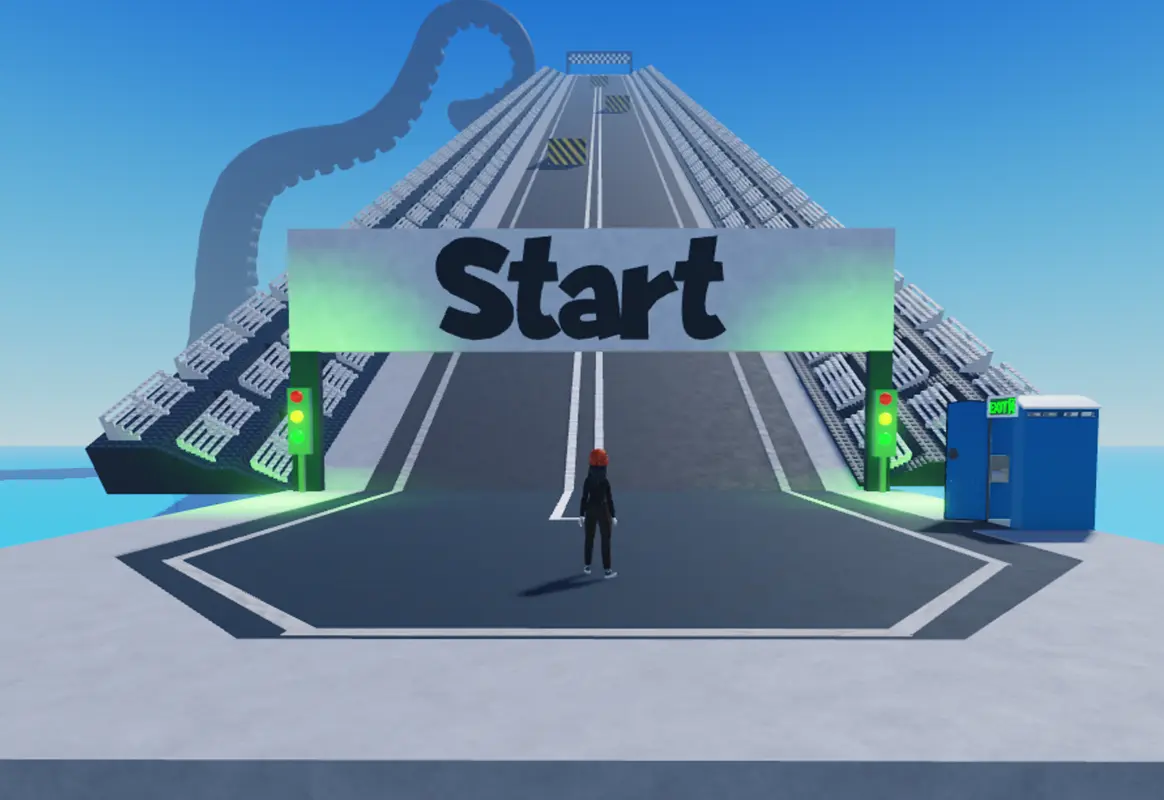
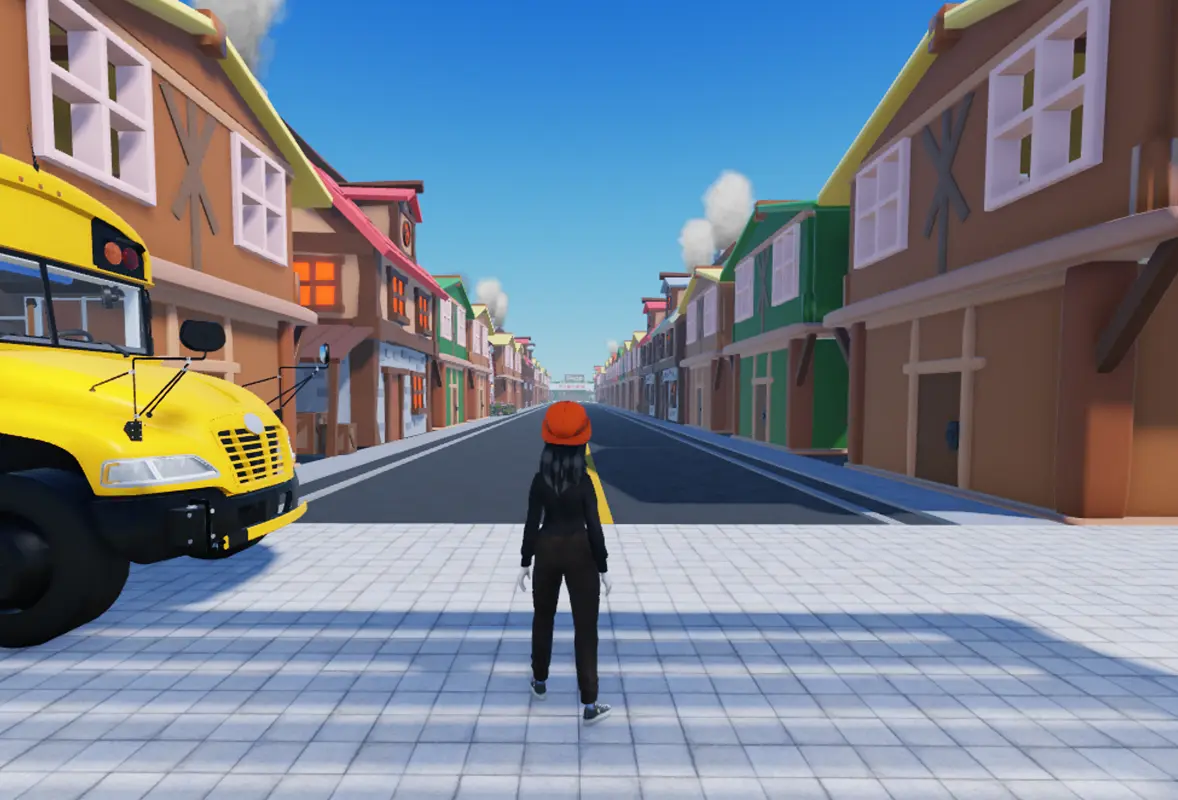
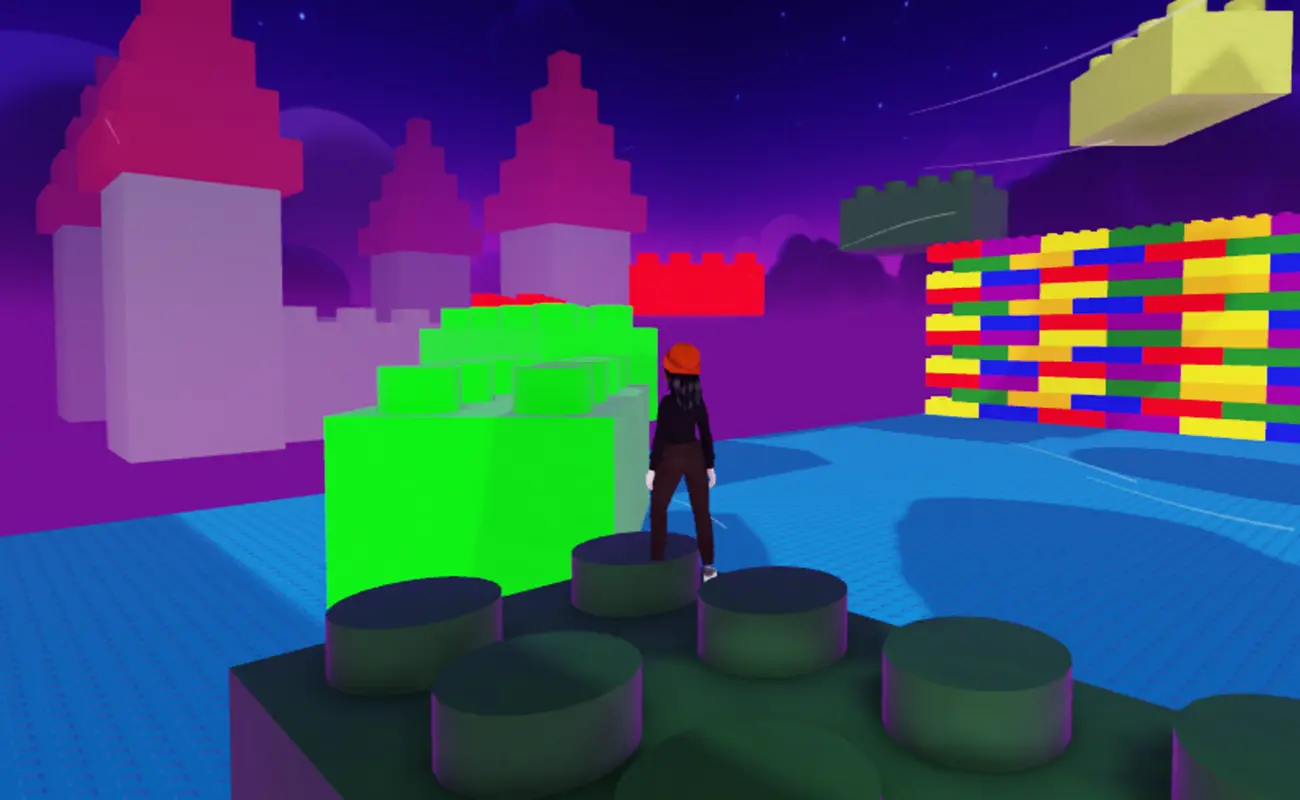
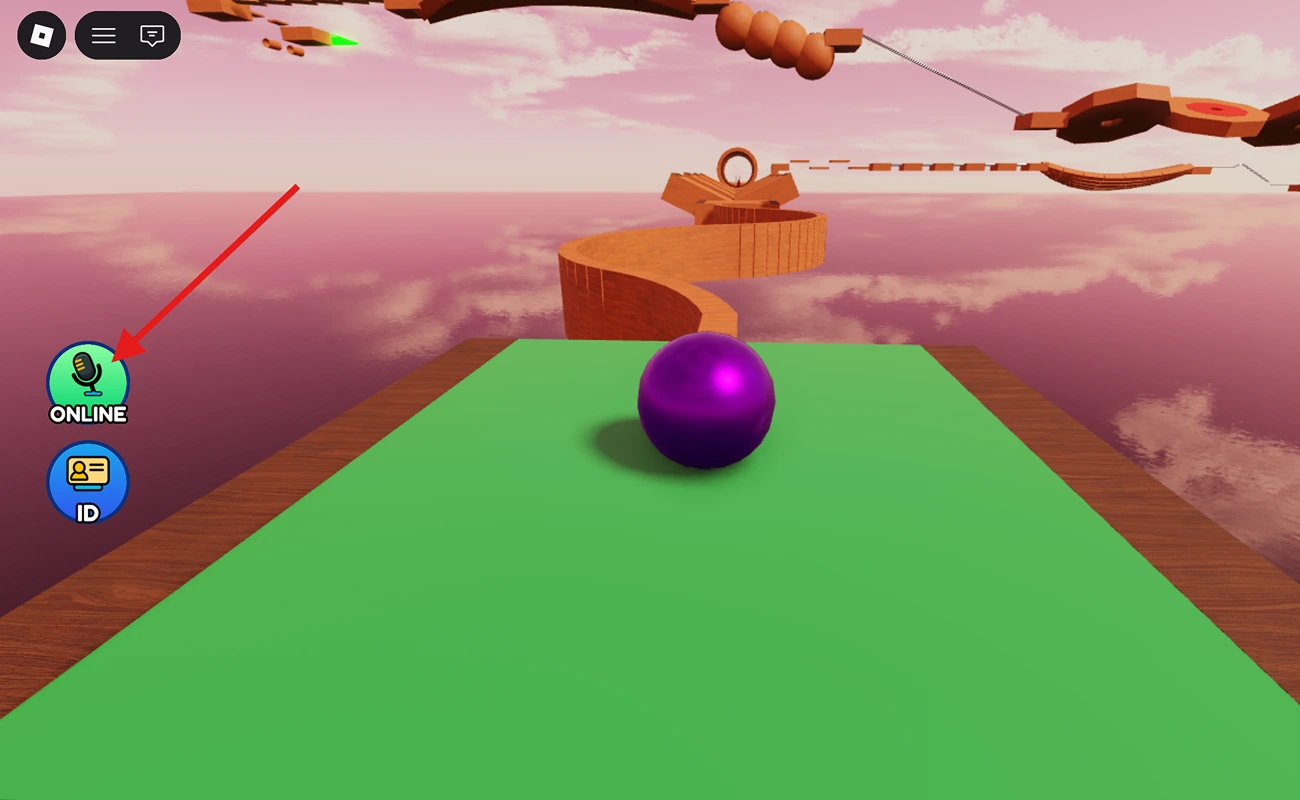
KOTH GAME