
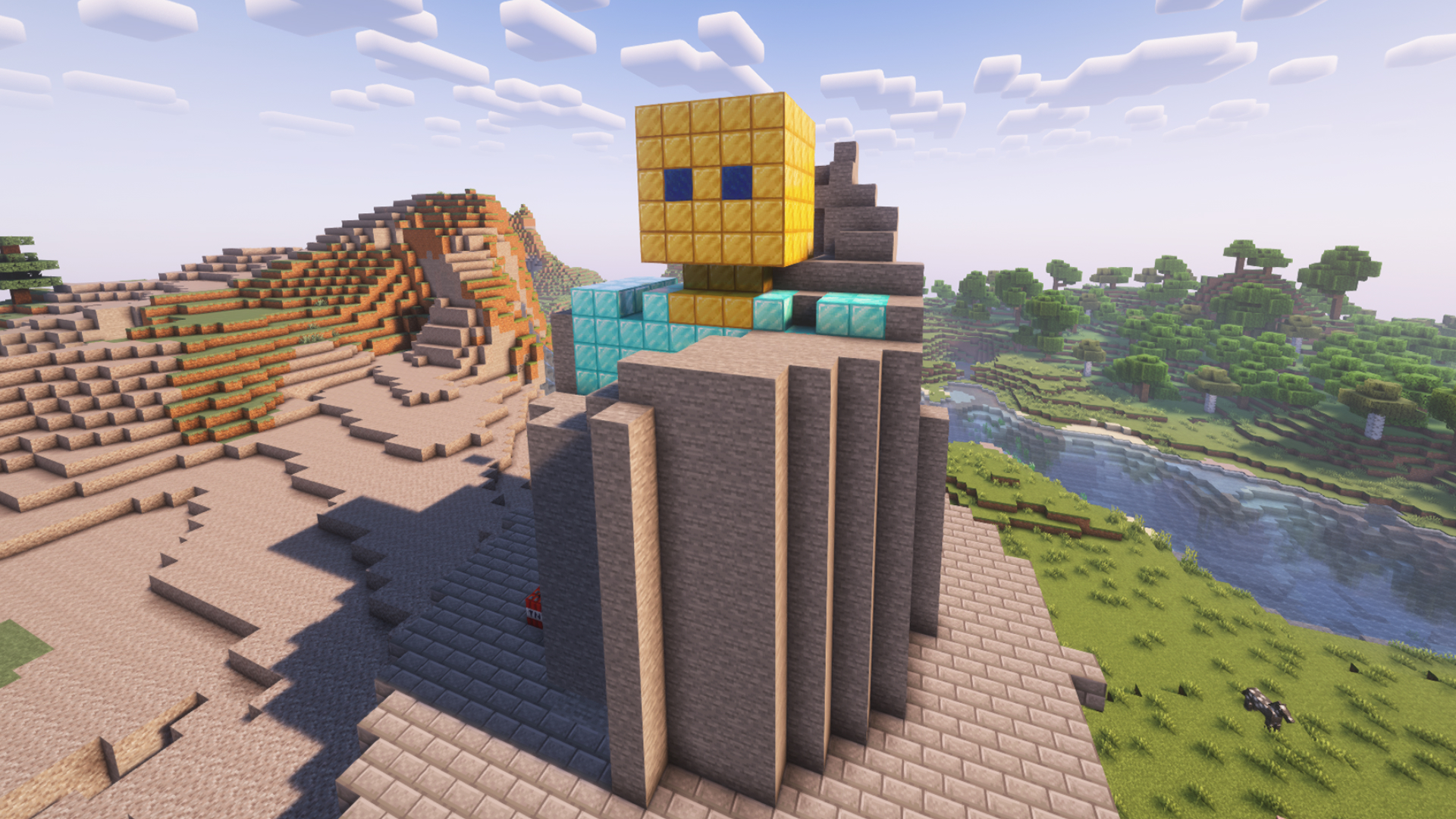
Mini-game for interactive streams where you need to clear a statue.
The plugin is available for installation in StreamToEarn for PRO subscribers.
In this mode, you can fly in Survival mode immediately after creating the platform or by using the /fly command.
Note that the pickaxe is less effective in the air, so it’s better to land by pressing the space bar twice.
Your viewers can send you various blocks with different durability levels, or trigger TNT to speed up the digging process.
We also added an edit mode, which allows you to create any sculpture you like.
If more blocks are summoned than the base height, they will stack upward into the sky, creating a cumulative effect from viewer gifts.
There are also various commands for buffs, lightning, and other effects to make your streams more dynamic.
/statue load_statue -
This command allows you to change the statue to another saved or default one. It also lets you switch to a statue you previously built and saved after a server restart or on another streaming day.
To create your own statue: First create a basic one: /statue create Then load your saved statue: /statue load_statue "statue-1"
Commands

/statue create
/statue delete
/statue tp
/statue fly
/statue load_statue default
/statue edit_mode

/statue clear

/statue fill

/statue tnt 3 {nickname}

/statue weaktnt 5 {nickname}

/statue strongtnt 1 <name>

/statue lightning 3

/statue spawnblock cobblestone

/statue slow 10

statue fast 10

/statue removeblock 10
General tips for setting up the Minecraft server
- /gamerule keepInventory true — your character will not drop items and blocks after death.
- /gamerule sendCommandFeedback false — won't show in the game chat what commands the server is executing.
- /time set day — set the day on the server.
- /gamerule doDaylightCycle false — won't change from day to night and back.
- /gamerule doWeatherCycle false — rain won't change to sun and back.
- /weather clear — set clear weather on the server.
- /gamemode creative — change your game mode to creative.
- /gamemode survival — change your game mode to survival.
These commands only work if you are an administrator on the server (OP). To make yourself an administrator, enter the command into the server terminal: op NickName.