
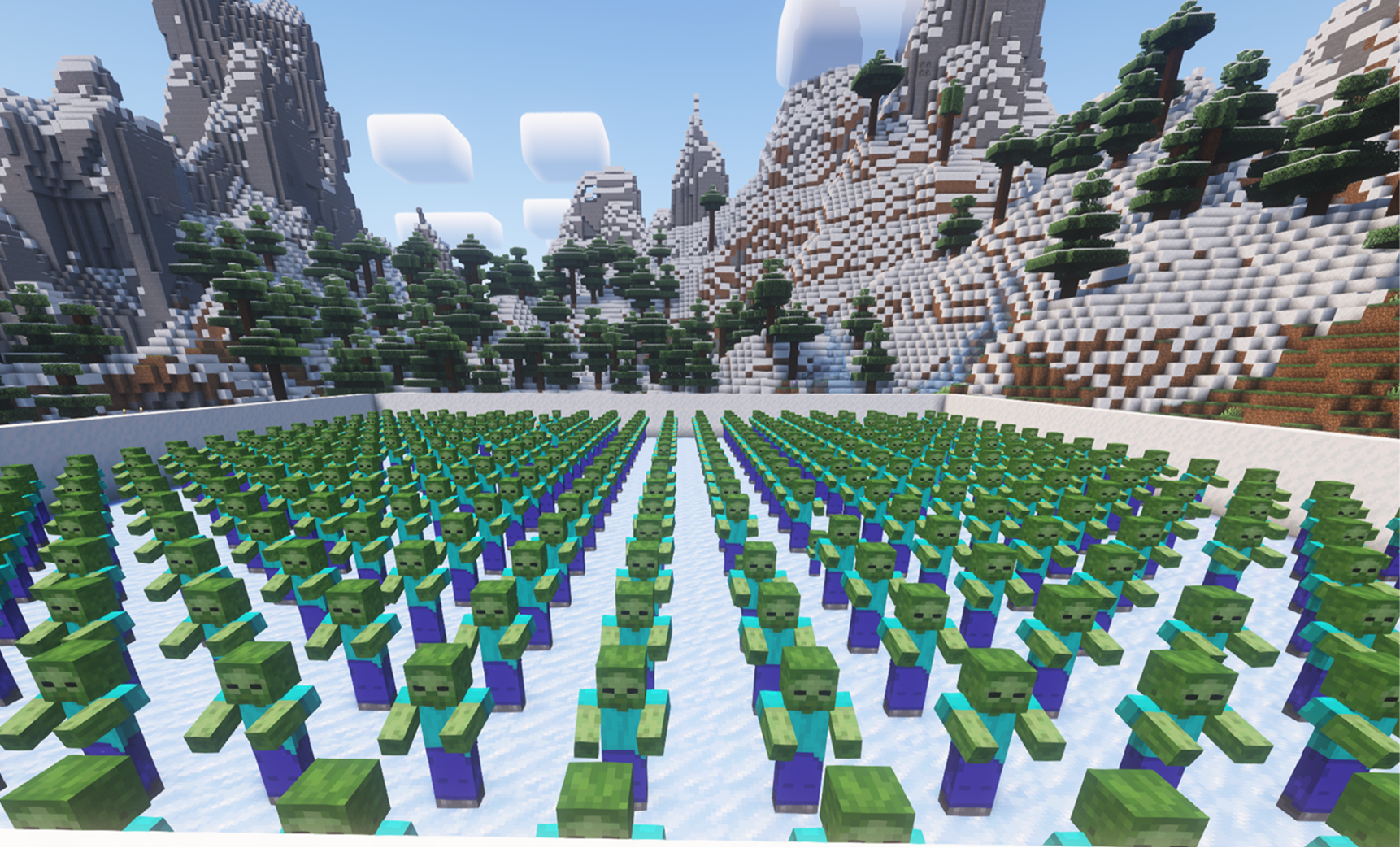
The Iced Arena is created with the command: /icedarena create
In this mode, you need to defeat all the mobs that are standing without AI, but if they take damage, they immediately come to life. Basic player events add various mobs that make the goal of winning more difficult. Since they don’t move at first, you can control the pace of the game—unless someone throws TNT at you.
We’ve also added various events like arrows, upgrades, chests, and more. When there’s not enough space for mobs, they will wait for it in a virtual queue. You can find more details and all available commands on the plugin’s page.
This plugin is available for Pro users and is installed just like other plugins from the plugin manager.
If you have any wishes or suggestions, don’t hesitate to contact our support. We’ll also be very grateful for a like and for checking out our other videos.
Polecenia

/icedarena create
/icedarena delete
/icedarena tp
/icedarena counter
/icedarena revive_mobs 10
/icedarena keep_inventory

/icedarena arrows 3 {nickname}

/icedarena tnt 3 {nickname}

/icedarena zombie diamond {nickname}

/icedarena witherskeleton netherite {nickname}

/icedarena creeper {nickname}

/icedarena witch {nickname}

/icedarena kill

/icedarena upgrade_armor

/icedarena floor_is_fire

/icedarena zombie_boss {nickname}

/icedarena chest

/icedarena golem 5 {nickname}

/icedarena equip_netherite
Ogólne wskazówki konfiguracji serwera Minecraft
- /gamerule keepInventory true — Twoja postać nie upuszcza przedmiotów ani bloków po śmierci.
- /gamerule sendCommandFeedback false — nie pokazuje na czacie komend wykonywanych przez serwer.
- /time set day — ustawia dzień na serwerze.
- /gamerule doDaylightCycle false — wyłącza cykl dnia i nocy.
- /gamerule doWeatherCycle false — deszcz nie zmienia się w słońce i odwrotnie.
- /weather clear — ustawia pogodną aurę na serwerze.
- /gamemode creative — zmienia tryb gry na kreatywny.
- /gamemode survival — zmienia tryb gry na survival.
Te polecenia działają tylko, jeśli jesteś administratorem serwera (OP). Aby zostać administratorem, wpisz w terminalu serwera: op NickName.