
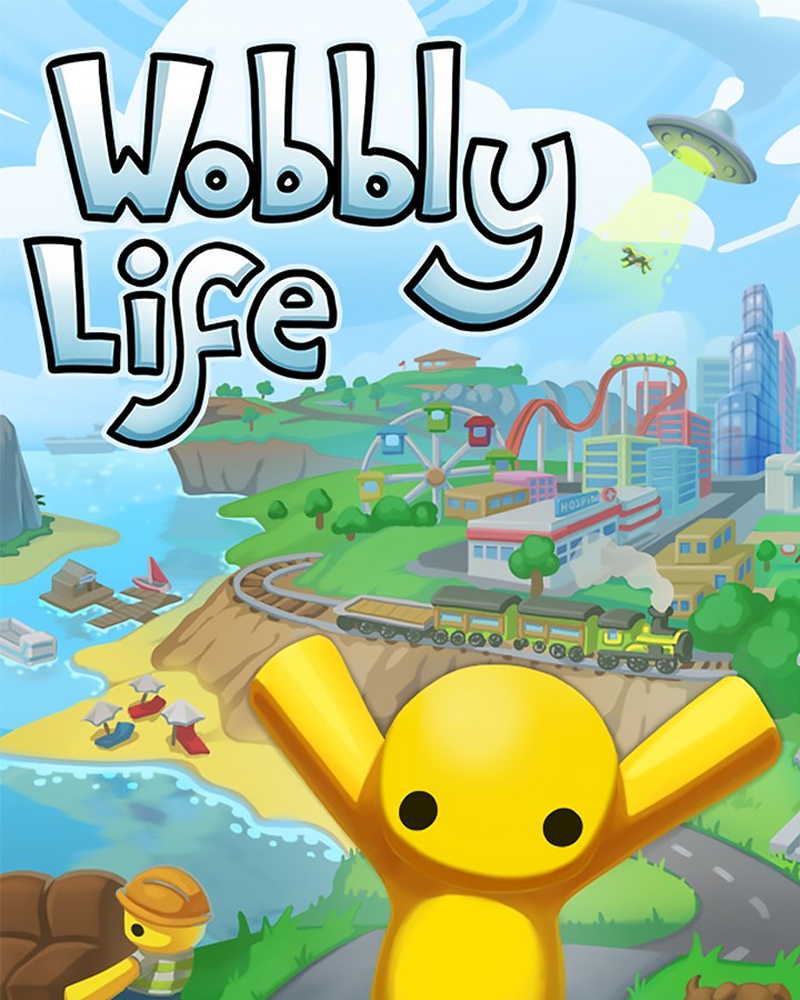
About game
Wobbly Life is an open-world, physics-based sandbox game where players explore the world, complete quests and mini-games, and purchase various items. The game allows players to earn money to buy clothes, vehicles, houses, and even pets.
The game offers a variety of tasks, including story missions where players can find and solve mysteries, as well as mini-games that add extra fun.
With the mod, spectators can completely change the course of the game, helping or hindering the player.
Viewers can:
- Spawn pets and vehicles
- Change the weather and time (day, night)
- Set Gravity
- give money
- kill player etc
- Mission refresh or complete
- Random teleport etc
How to set up the mod
Download and install stream to earn app. Make sure the game Wobbly Life isn't running. Select the ready-made template for Wobbly Life - in app choose Presets - Wobbly Life (in the list right) - Copy this preset - Install Mod. the widget will automatically locate the game folder.
How to add trigger in game
Next configure the interactive features within the preset.
In app choose Presets, than Wobbly Life preset. Push button “new trigger”. Press action for example present, and lower find one you like. Then push “add function” and find what action you want, it can be spawn bees or invert controls. Choose the necessary parameters such as spawn frequency and the number of repetitions and save your changes. Now every time you launch the game through stream to earn your personalized settings will be automatically applied.
How to add own preset in game
In the app click the presets section. On the right side of the screen, in the list of games select Wobbly Life. In the window that appears click the add preset button. Write the name of the new preset at the top. Then add events. At the bottom right click on the button “save preset”.


