
Description
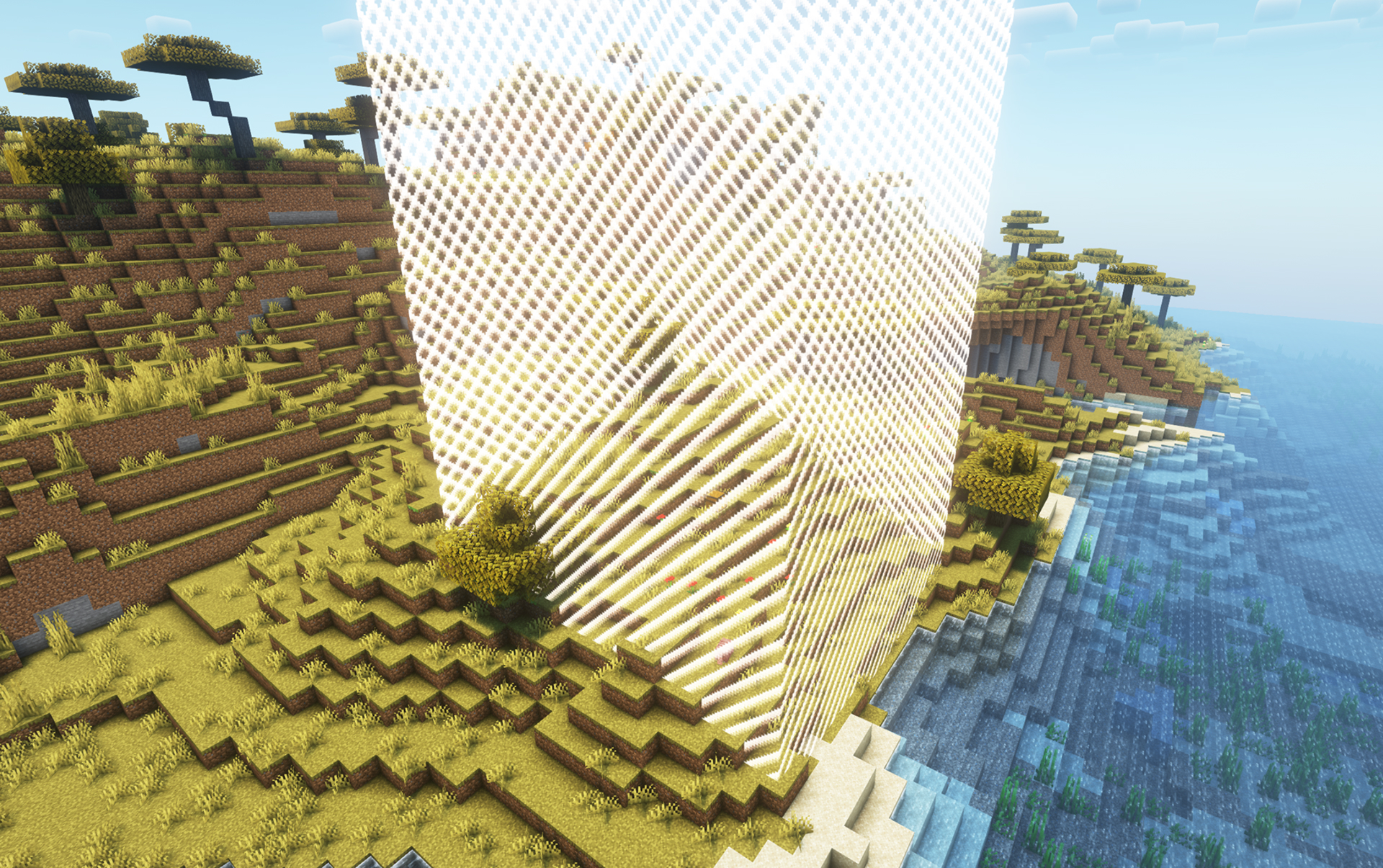
Border is a free mini-game mode created for interactive TikTok streams by Stream To Earn. It is available to all users on servers running version 1.21 or higher.
Setup:
After installing the plugin, create a new game using the command:
/border create [size] [goal]
sizedefines the initial border radius (default: 10, creating a 10x10 area).goalis the number of emerald blocks that must be found and broken to win (default: 100).
Objective:
Use the "Hot/Cold" system based on your XYZ coordinates to locate hidden emerald blocks within the border.
Each time you break an emerald block:
- A loot chest appears with helpful items.
- The search area expands, increasing the challenge.
- The number of emeralds remaining and the hot/cold hint are shown above your inventory.
Viewer Interaction:
Viewers can affect your gameplay in real-time by sending gifts. Their actions include:
- Summoning mobs to attack you.
- Expanding or shrinking the border area.
- Dropping TNT to destroy terrain or kill the player.
Multiplayer Support:
Play solo or together with friends and viewers live on stream.
WorldsHub Integration:
With Worldshub.io, you can publish your local Minecraft server to a public server list.
Your friend only needs to:
- Use the same launcher.
- Find your server in the list and click Connect (a tunnel is created automatically).
- Launch Minecraft, select Direct Connect, and enter
127.0.0.1.
Let the hunt begin – but beware, your viewers are watching.
명령어

/border create 10 20
/border stop
/border start
/border delete
/border info
/border removespawnprotection
/border addspawnprotection 10
/border help
![/border expand [amount]](https://dp0vbx02w3wzh.cloudfront.net/images/public/Minecraft/1790760297923_e3894209-2f40-464f-9f51-58b18b501d95.webp)
/border expand 3
![/border shrink [amount]](https://dp0vbx02w3wzh.cloudfront.net/images/public/Minecraft/1790760297923_306efa37-3314-40d4-a2ff-36d08eb84c6b.webp)
/border shrink 3
![/border tnt [nickname] [amount] [fuse_seconds] [power]](https://dp0vbx02w3wzh.cloudfront.net/images/public/Minecraft/1790760297923_893df655-6a75-4d5e-ad96-d66c0c6d7127.webp)
/border tnt {nickname} 3 2 2
Minecraft 서버 설정 일반 팁
- /gamerule keepInventory true — 사망 시 아이템과 블록을 떨어뜨리지 않습니다.
- /gamerule sendCommandFeedback false — 서버가 실행하는 명령어를 채팅에 표시하지 않습니다.
- /time set day — 서버 시간을 낮으로 설정합니다.
- /gamerule doDaylightCycle false — 낮과 밤의 주기를 멈춥니다.
- /gamerule doWeatherCycle false — 비와 맑음이 바뀌지 않습니다.
- /weather clear — 서버를 맑은 날씨로 설정합니다.
- /gamemode creative — 게임 모드를 크리에이티브로 변경합니다.
- /gamemode survival — 게임 모드를 서바이벌로 변경합니다.
이 명령어들은 서버 관리자(OP)일 때만 작동합니다. 자신을 관리자로 만들려면 서버 터미널에 op NickName을 입력하세요.