
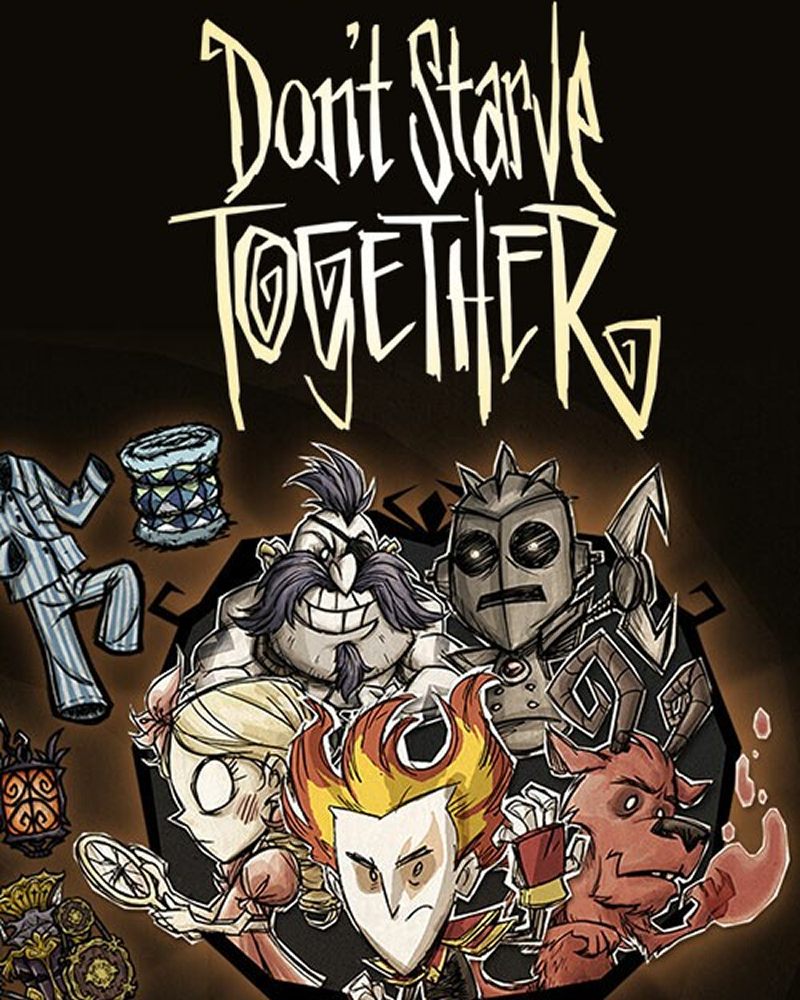
Launch Instructions:
After launching the application, click the "Presets" button.

In this window, scroll down.

Find the game "Don't Starve Together" — or click "All Games Mods" and locate it there.

In the opened window, scroll down again.

Click "Copy this preset".

A new window will appear. To install the mod, click "Install Mod".

If the button is inactive or the game path is not detected, click "Select Directory" and choose the folder with the game and its .exe file.
You can customize the preset: add to it, remove items, or replace events with ones you prefer. Once you’re satisfied, click "Save Preset".

Now launch the game itself and click "Host Game".

Choose the game mode. In this example, select "Survival".

Next, choose "No Caves". The mod also works with caves, but some issues may occur.

In the following window, adjust the world settings as you like, then click "Mods".

Here you’ll see a list of mods. The mod works alongside other mods, but some conflicts may happen. Be cautious when using additional modifications.
For example, some custom character mods may get stuck in ice during the freeze event and will not be able to escape until they take damage.
Activate the "StreamToEarn" mod and click "Generate World". Then choose your character.

Start your livestream and don’t forget to connect the application to it in the main menu of the app.


.png)


.png)


