
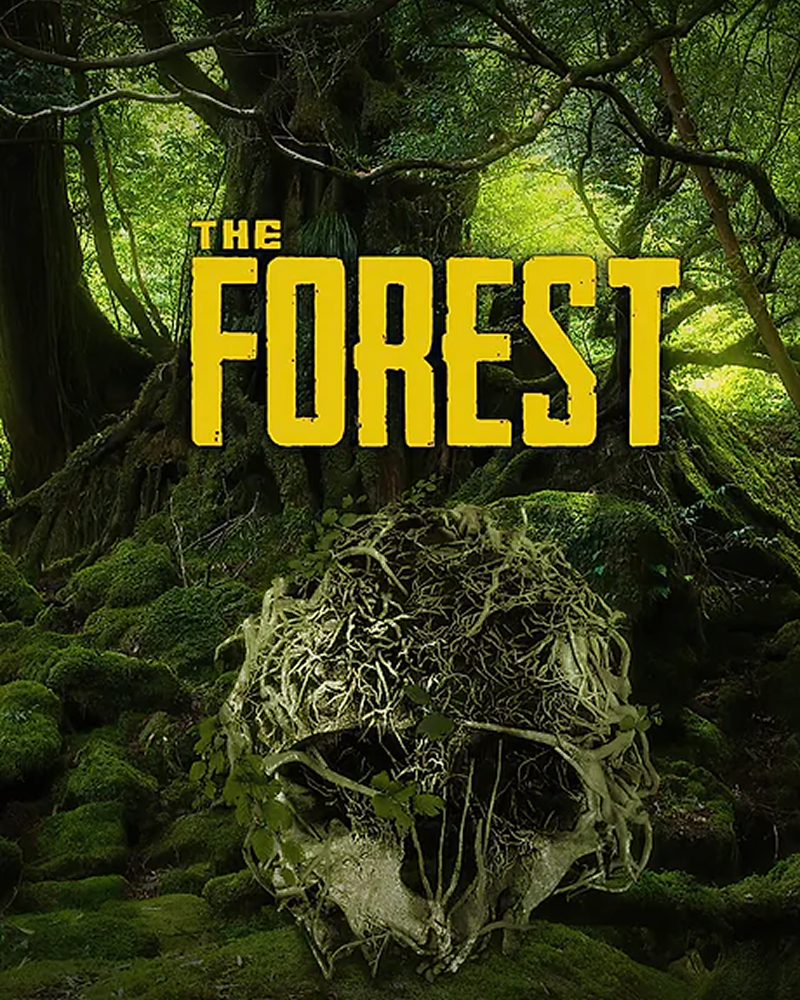
About game
"The Forest" is a first-person, open-world survival horror game where players, stranded after a plane crash, must fight off cannibalistic monsters and explore a vast, heavily forested island to find their missing son. It focuses on survival, building, and crafting, with a narrative that unfolds as players explore and unravel the island's secrets.
Gameplay Features:
Open-World Survival:
Players explore a vast, procedurally generated world, gathering resources, building bases, and crafting tools and weapons.
Cannibalistic Enemies:
The game features a variety of cannibalistic enemies, including mutants and humanoids, that will actively attack and must be fought off.
Base Building and Fortification:
Players can build and fortify their base with various structures, traps, and defenses to protect themselves against the island's dangers.
Crafting and Resource Management:
Players must gather resources like wood, stone, and food, then craft items to survive, build, and defend themselves.
Story and Exploration:
As players explore the island, they'll discover clues and uncover a multi-layered story, leading to a deeper understanding of the island and its inhabitants.
With the mod, spectators can completely change the course of the game, helping or hindering the player.
Viewers can:
- Spawn enemies and animals
- Heal
- Change the season
- Change weather
- Give or drop item
- Change stamina, thirst
- Burn or kill enemies etc
How to set up the mod
Download and install stream to earn app. Make sure the game The forest isn't running. Select the ready-made template for The forest - in app choose Presets - The forest (in the list right) - Copy this preset - Install Mod. the widget will automatically locate the game folder.
How to add trigger in game
Next, configure the interactive features within the preset.
In the app choose Presets, then The forest preset. Push button “new trigger”. Press action for example present, and lower find one you like. Then push “add function” and find what action you want, it can be spawn enemy or Lock All Achievements. Choose the necessary parameters such as spawn frequency and the number of repetitions and save your changes. Now every time you launch the game through stream to earn your personalized settings will be automatically applied.
How to add own preset in game
In the app click the presets section. On the right side of the screen, in the list of games select The forest. In the window that appears click the add preset button. Write the name of the new preset at the top. Then add events. At the bottom right click on the button “save preset”.


