Novità su StreamToEarn

Aggiornamenti dell'app, nuovi giochi e funzionalità direttamente dal team — ogni post che vedi nell'app StreamToEarn, anche qui.

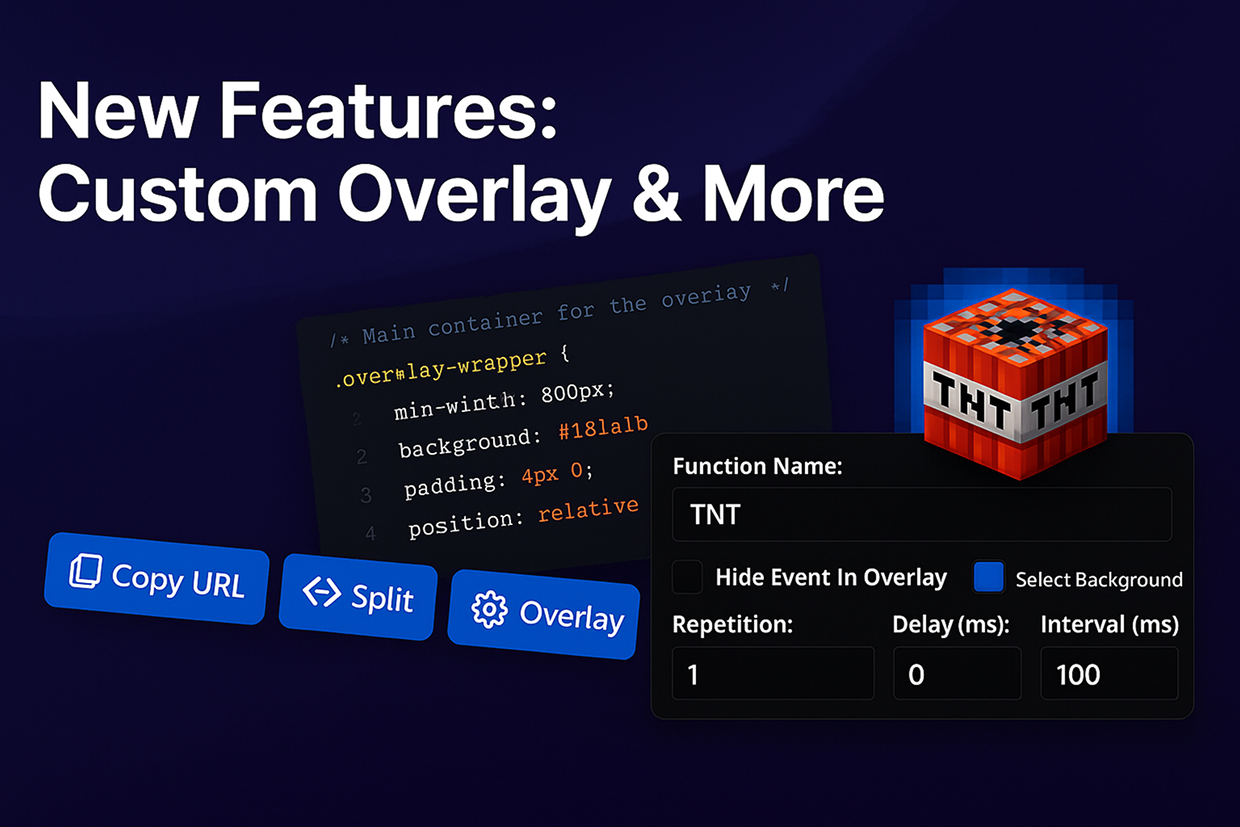
New Overlay Theme, Split Mode, and More!

We’ve just rolled out a major update with powerful features for all users, especially PRO and Expert plans:

  • New 'Custom' Theme – PRO and Expert users now have access to a brand-new overlay theme designed for advanced customization. If you’re comfortable with CSS, you can fully change the look and feel. You can also use ChatGPT to help you generate unique styles!
  • More Profile Slots – The number of available overlay profiles has increased from 3 to 5. Plus, you can now rename each profile for better organization.
  • Split Mode – This powerful new feature allows you to divide your overlay into two sections and assign different event types to each one. Great for separating gifts, interactions, or different games.
  • Background Images for Events – All users can now add an additional background image behind event icons. Use this to emphasize whether an event is positive or negative or simply to highlight key moments visually.

If you have ideas or feature requests, feel free to reach out to our Support team. We’re prioritizing the most requested features from the community!
Deep Rock Galactic: Survivor

Deep Rock Galactic: Survivor

New Features: Instant Call & Keyboard Event

We’re excited to introduce two powerful features in this update:

  • Instant Call – A new trigger option for gifts. When enabled, events will be activated immediately after a gift is received, instead of waiting for a combo to end. Perfect for letting viewers send, for example, 100 roses and see the action unfold instantly.
  • Keyboard Event for all presets – PRO+ users can now create trigger events tied to keyboard key presses, not just in the Keyboard preset, but also in games like Minecraft, GTA 5, and more!

If you experience any issues, please contact us via the chat on the Support page. Your feedback helps us improve SteamToEarn for everyone.

Shooting Gallery (Expert)

Pots Arena

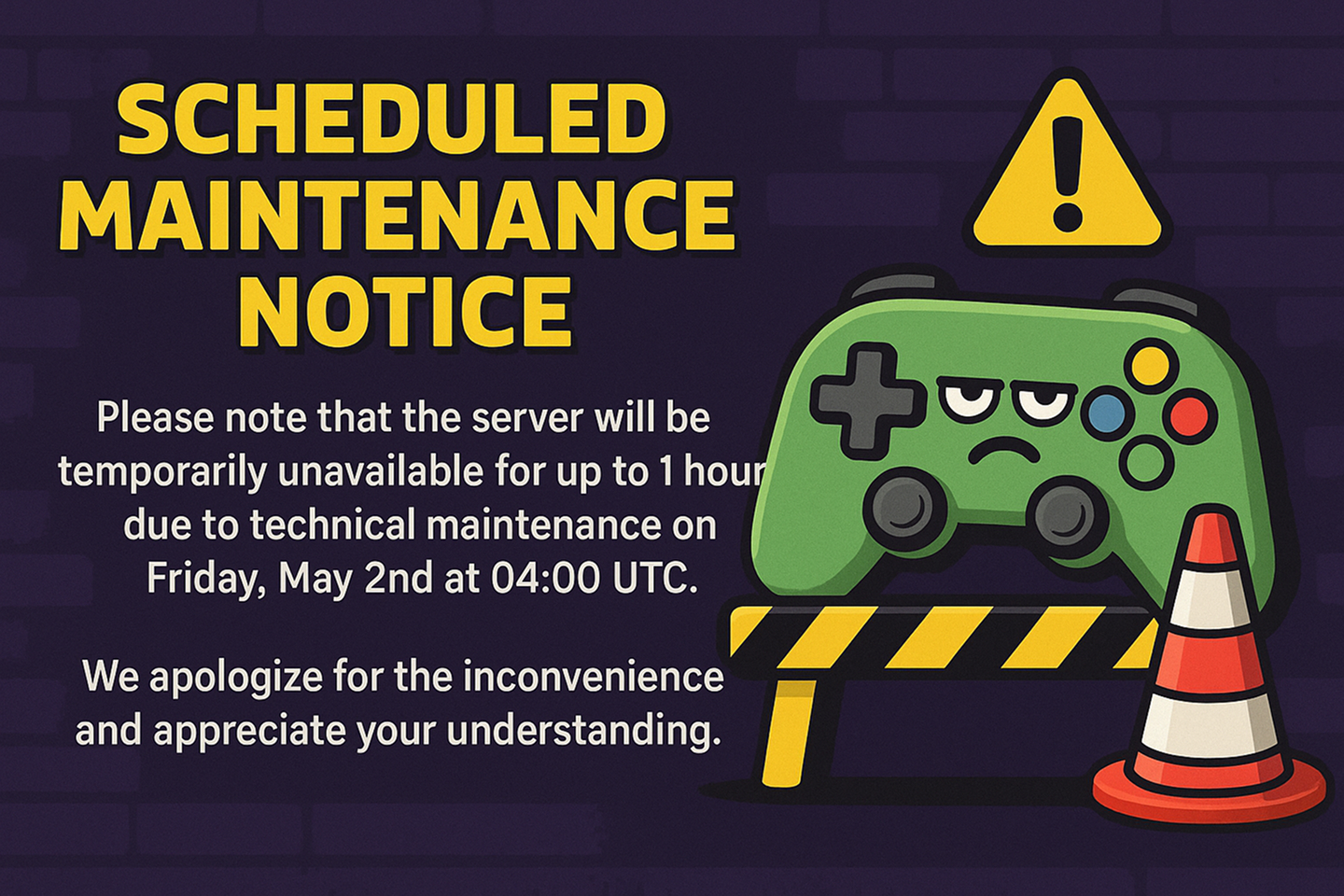
Scheduled Maintenance Notice

Please note that the server will be temporarily unavailable for up to 1 hour due to technical maintenance on Friday, May 2nd at 04:00 UTC.

We apologize for the inconvenience and appreciate your understanding.

TikTok Live Studio updated. Video Upload to Cloud

TikTok Live Studio has updated to a version where the ability to use edits and video files directly from the computer has been removed. We have implemented a feature that allows you to upload videos to our server instead.
Additionally, you will need to update the screen links in TikTok Live Studio to point to your edits and videos if you were using them previously.

We have also increased the upload file size limits: Free users can now upload files up to 500 MB (previously 50 MB), and PRO users can upload files up to 3 GB.

Gift Spinner

A new feature, Gift Spinner, is now available for all users with an Expert subscription.

You can now add a new spinner to your template — or even several. This event will trigger a roulette-style animation with in-game events you choose, summoning them directly into the game. The spinner itself is customizable, and you can define the rarity of each event.

Learn more about it here.

Schedule

Schedule integration mod