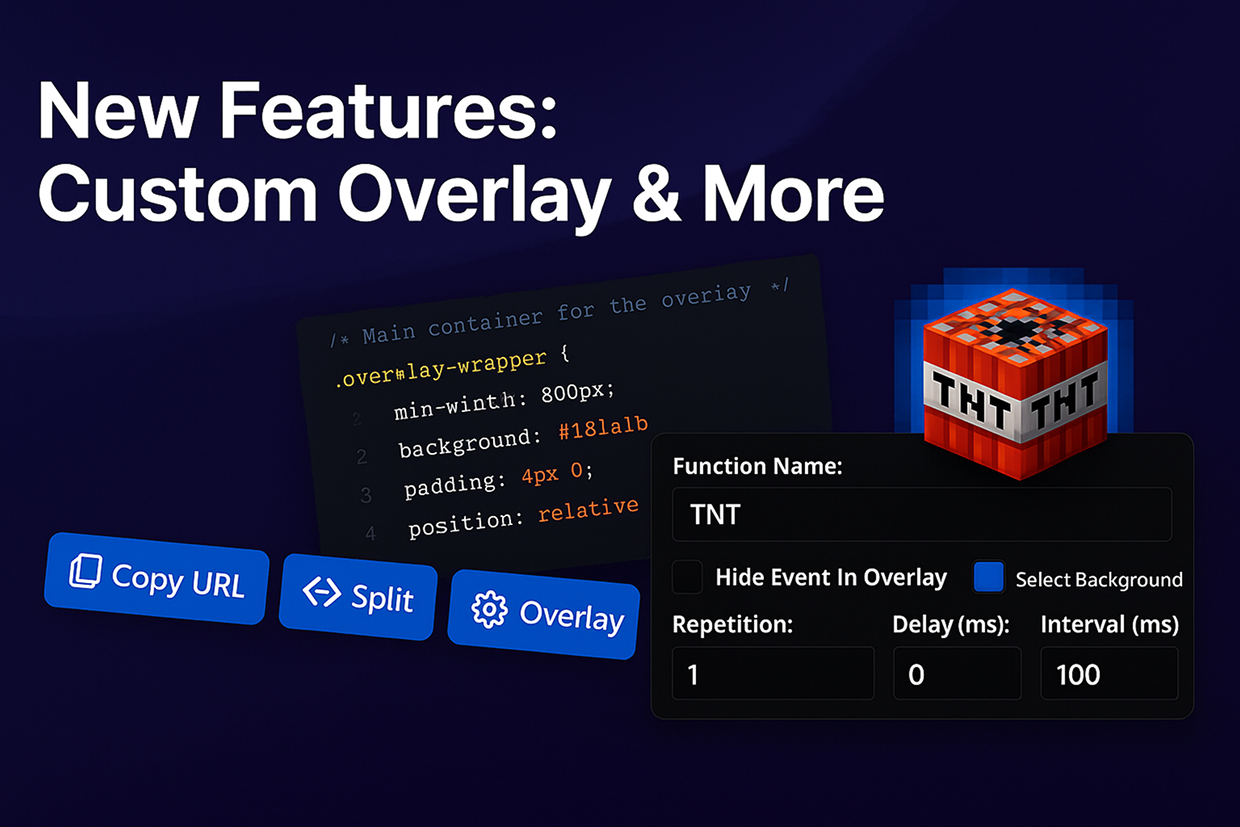
Was ist neu bei StreamToEarn

App-Updates, neue Spiele und Funktionen direkt vom Team — jeder Beitrag aus der StreamToEarn-App, auch hier.

Neues Overlay-Thema, Splitscreen-Modus und mehr!

Wir haben gerade ein großes Update mit leistungsstarken Funktionen für alle Nutzer veröffentlicht, insbesondere für PRO- und Expert-Pläne:

  • Neues 'Custom'-Theme – PRO- und Expert-Nutzer haben jetzt Zugriff auf ein brandneues Overlay-Theme, das für erweiterte Anpassungen entwickelt wurde. Wenn Sie sich mit CSS auskennen, können Sie das Aussehen und Gefühl vollständig ändern. Sie können auch ChatGPT nutzen, um einzigartige Stile zu erstellen!
  • Mehr Profilplätze – Die Anzahl der verfügbaren Overlay-Profile wurde von 3 auf 5 erhöht. Außerdem können Sie jetzt jedes Profil zur besseren Organisation umbenennen.
  • Split-Modus – Diese leistungsstarke neue Funktion ermöglicht es Ihnen, Ihr Overlay in zwei Bereiche zu unterteilen und jedem Bereich unterschiedliche Ereignistypen zuzuweisen. Ideal, um Geschenke, Interaktionen oder verschiedene Spiele zu trennen.
  • Hintergrundbilder für Events – Alle Nutzer können jetzt ein zusätzliches Hintergrundbild hinter den Event-Icons hinzufügen. Nutzen Sie dies, um visuell hervorzuheben, ob ein Ereignis positiv oder negativ ist oder einfach um wichtige Momente hervorzuheben.

Wenn Sie Ideen oder Funktionswünsche haben, wenden Sie sich gerne an unser Support-Team. Wir priorisieren die am häufigsten gewünschten Funktionen aus der Community!
Deep Rock Galactic: Survivor

Deep Rock Galactic: Survivor

New Features: Instant Call & Keyboard Event

We’re excited to introduce two powerful features in this update:

  • Instant Call – A new trigger option for gifts. When enabled, events will be activated immediately after a gift is received, instead of waiting for a combo to end. Perfect for letting viewers send, for example, 100 roses and see the action unfold instantly.
  • Keyboard Event for all presets – PRO+ users can now create trigger events tied to keyboard key presses, not just in the Keyboard preset, but also in games like Minecraft, GTA 5, and more!

If you experience any issues, please contact us via the chat on the Support page. Your feedback helps us improve SteamToEarn for everyone.

Shooting Gallery (Expert)

Pots Arena

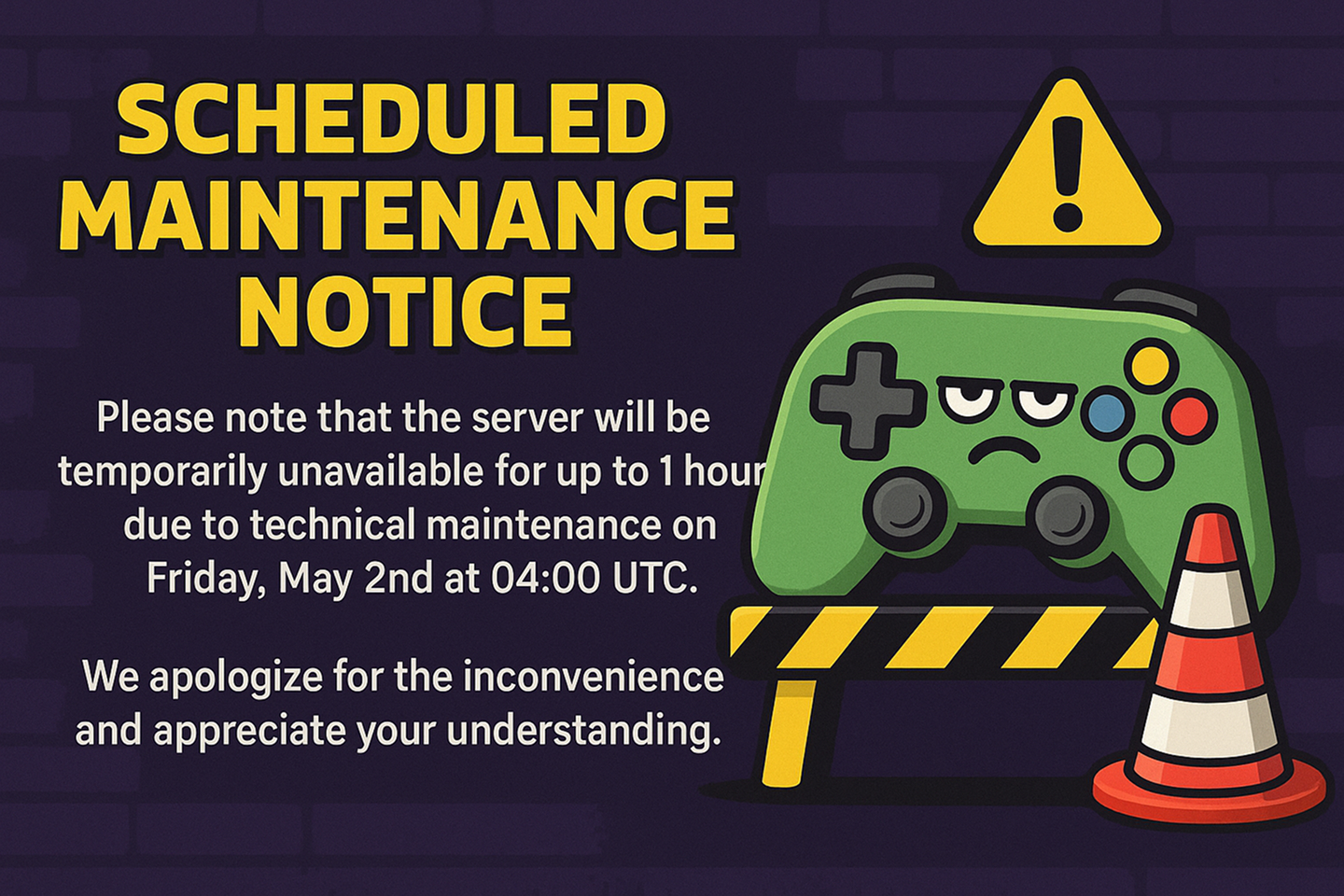
Scheduled Maintenance Notice

Please note that the server will be temporarily unavailable for up to 1 hour due to technical maintenance on Friday, May 2nd at 04:00 UTC.

We apologize for the inconvenience and appreciate your understanding.

TikTok Live Studio updated. Video Upload to Cloud

TikTok Live Studio has updated to a version where the ability to use edits and video files directly from the computer has been removed. We have implemented a feature that allows you to upload videos to our server instead.
Additionally, you will need to update the screen links in TikTok Live Studio to point to your edits and videos if you were using them previously.

We have also increased the upload file size limits: Free users can now upload files up to 500 MB (previously 50 MB), and PRO users can upload files up to 3 GB.

Gift Spinner

A new feature, Gift Spinner, is now available for all users with an Expert subscription.

You can now add a new spinner to your template — or even several. This event will trigger a roulette-style animation with in-game events you choose, summoning them directly into the game. The spinner itself is customizable, and you can define the rarity of each event.

Learn more about it here.

Schedule

Schedule integration mod